Airtable Integration: Keep Records and Updates in Step
Plan how Airtable records match another app. Check permissions, field types, repeat updates and API limits before turning a spreadsheet-like base into a live business workflow.
A row appears in Airtable, but the linked CRM contact is missing or a second row appears every time someone edits it. A reliable integration needs rules for finding the same record, choosing which fields can change and recovering a failed update. Start with those rules. Connecting an account successfully does not prove the data will stay correct as both apps change.
Things to check first
- Identify the base, table and stable record reference. Do not rely only on a display name or row position. Two people can share a name, and rows can be sorted or removed.
- Check field types and required values on both sides. A linked record, a choice field and free text need different mappings. Test a blank optional field and a value the destination does not allow.
- Check the token's permissions and which base it can access. Airtable's personal access tokens can be limited by scope and resource. Also check the current API rate and monthly limits for the workspace containing the actual base.
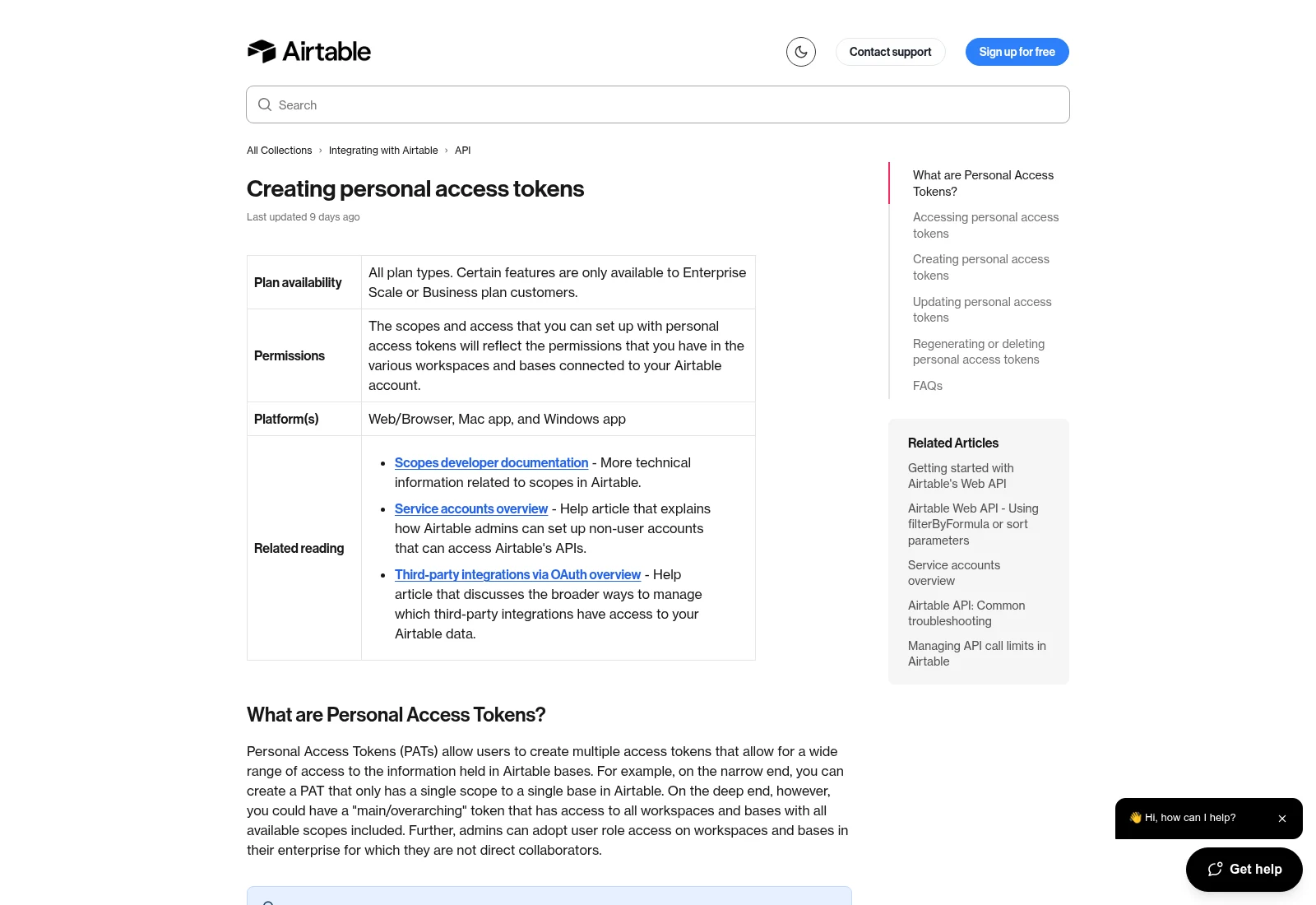
An Airtable token can be limited to specific access and resources. Confirm the intended base and workspace before testing writes. This is a help page, not a token from a live account.
Documentation screenshot: Airtable. Example screen; yours may look different.What to ask the freelancer to do
- Map record IDs, fields and ownership
- Check tokens, plan limits and existing tools
- Test new, changed and repeated records
- Hand over usage checks and recovery steps
Questions to ask before hiring
- Is your quote for advice, fixing this route or building it?
- How do you match the same record across both apps?
- How will we spot an API limit and recover missed updates?
Red flags
- Uses row order or a name as the only record match
- Promises unlimited instant sync without checking the plan
- Changes field types in the live base without a saved copy
Agree what the job includes
- Map the tables and fields, then agree which system owns each value. Save both systems' record IDs where appropriate. State what a change, deletion or archived record should do to its linked copy.
- Test create and update separately. Prevent an edit from bouncing between two apps forever. A repeated request should not create another row, and an old update should not replace a newer staff correction.
- Plan usage and recovery around Airtable's current limits. Large result sets may need more than one page. Batching and less frequent checks may help, but the quote should explain the effect on update speed. A monthly quota problem is different from a brief burst of too many requests.
What to send the freelancer
- Send a copy of the table structure and made-up source records with expected results. Keep real customer data and token values out of the brief.
- List connectors, automations and scripts that already read or write the base. Include the workspace plan and expected record volume.
- Agree a separate test base, notifications to block and the person who will own the integration. Save the current structure before changing field names or types.
How to check the work is done
- New and existing test records arrive in the right table with correct field values and stable links to their source.
- A repeated update, missing field and changed record follow the agreed rules. Two-way updates do not loop or overwrite a newer correction.
- A test with more than one page of data and a simulated limit or temporary failure recovers as agreed. The handover explains quotas, costs, field ownership and error checks.
What may cost extra
- Designing a full business database, rebuilding a portal and cleaning historical duplicates are separate jobs.
- Advice sessions do not automatically include development. Plan upgrades, external connector charges and new tables may add cost.
Sources checked 23 October 2026
Use this guide to agree the work and check the result.
Common questions
Why does an Airtable integration create duplicate rows?
It may create a new record every time because it cannot reliably find the existing one, or it may repeat an unfinished request. Check the source ID, Airtable record ID and create-versus-update rule.
Why does the Airtable API return 429 when the app is quiet?
Check both short-term rate limits and the monthly allowance for the workspace containing the base. Other connected tools can use the same allowance. Read the current usage and vendor response before changing the polling rate.
Find help on Fiverr
Ready to hand it over? This freelancer offers help with the job covered in this guide. Look at their work and send them your brief to get a quote.
Alex V.
@jsimm552 · FiverrAirtable advice before a build
This listing is a time-boxed Airtable advice session. It may help diagnose a base or plan the integration. The displayed advice packages do not automatically include developing the full connection.
The listing showed 189 reviews when checked. Reviews cover a range of jobs; we have not independently tested this seller's work.
Before you hire: Send the table structure and desired record flow. Ask what the session will deliver and request a separate written build quote if development is needed.
View service on Fiverr ↗Listing checked 2026-10-23. We have not hired this freelancer or tested their work.
Build my freelancer brief
Answer a few questions to make a clear job description you can send to a freelancer.