Cancelled Booking Still in the Calendar? Check the Sync
Find why a cancellation or moved appointment leaves an old booking behind. Check record IDs, missed updates and messages that arrive in the wrong order.
A visit is cancelled in the clinic system, but the copied calendar entry is still there. Or a moved booking leaves both the old and new time showing. Before adding a delete step, check how the two records are linked and what the vendor means by cancelled, archived and deleted. Those states may have different effects on reminders, reports and future updates.
Things to check first
- Check the source appointment ID and the copied calendar event ID. The sync should keep that link after the time changes. Finding the event by its old title or time is easy to get wrong.
- Check whether the cancellation or reschedule was included in the updates your app receives. If the system polls the API instead, check its filters, pages and saved progress point. Some APIs leave cancelled records out of ordinary results.
- Compare when changes happened with when messages arrived. An older update arriving after a cancellation must not bring the booking back. Check the vendor's event-order rules instead of assuming delivery order matches edit order.
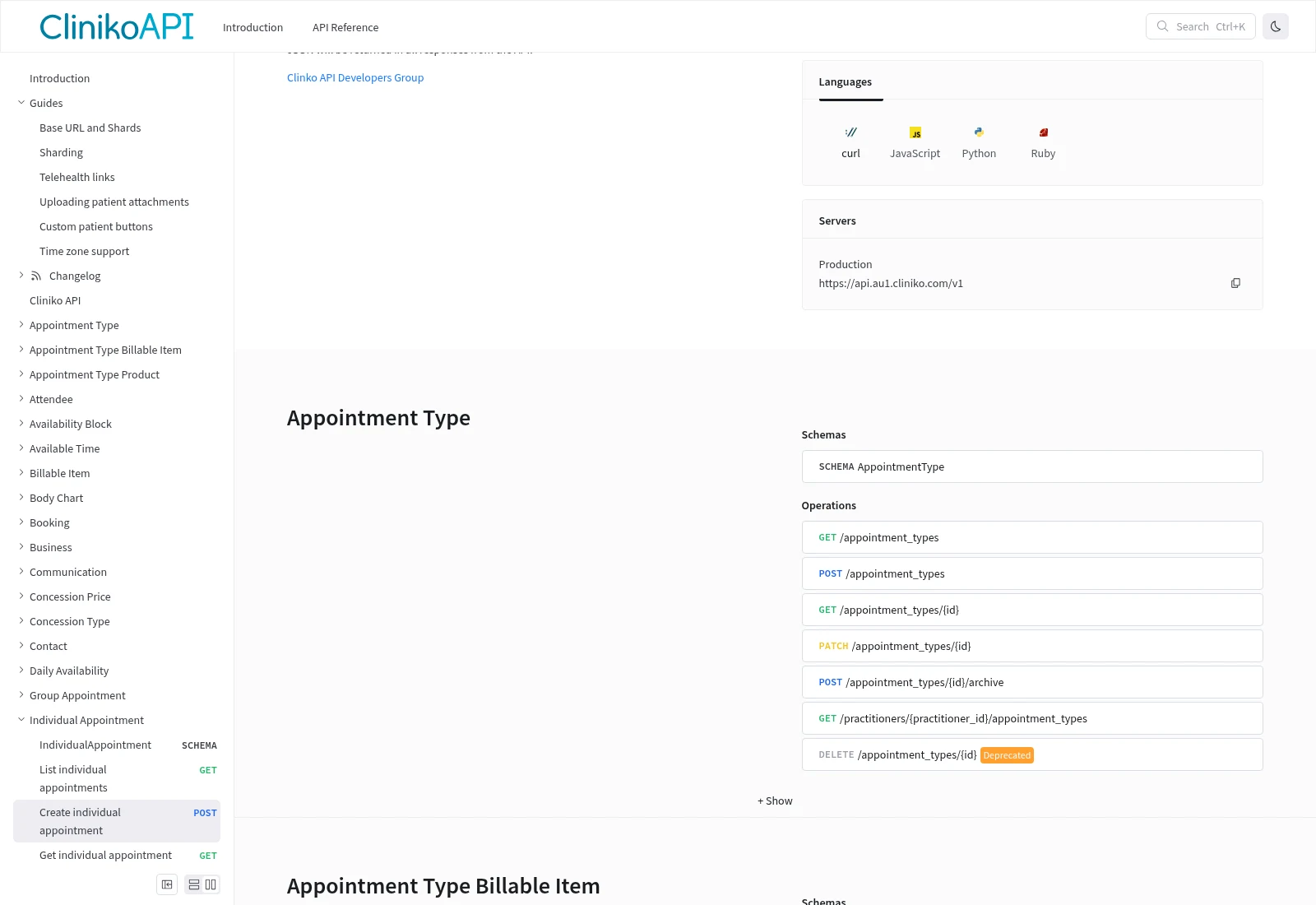
Booking APIs can offer different actions for updates, cancellation and archiving. Read the action your sync uses rather than treating every missing record as a new booking. This is Cliniko’s API reference.
Documentation screenshot: Cliniko. Example screen; yours may look different.What to ask the freelancer to do
- Link source appointments to calendar event IDs
- Handle cancelled, moved and archived states
- Test old messages and missed updates
- Document catch-up and cleanup rules
Questions to ask before hiring
- How do you link the same appointment after it moves?
- Will the catch-up check include cancelled and archived records?
- How will an old update avoid restoring a cancelled booking?
Red flags
- Deletes records using only a matching name
- Assumes every API sends changes in order
- Checks only the first page of changed bookings
Agree what the job includes
- Agree the action for each state: cancelled, moved, archived and deleted. Decide which system controls the booking. A cancellation in the clinic system should not become a new booking just because the calendar copy is missing.
- Keep a durable link between the two record IDs and record the last handled change using the vendor's supported version or event rules. Stripe, for example, does not guarantee event order; do not use that as a claim about every booking vendor.
- Plan how to catch missed changes. Cliniko documents filters that can include archived records and a next-page link for long result lists. A catch-up job must include the required states and pages without sending old confirmations again. Agree how to recover if the saved progress point is lost.
What to send the freelancer
- Send one made-up cancellation and one reschedule example, showing the result wanted in each system.
- List reminder tools and calendar subscribers. Agree whether a cancellation should remove the copy or leave a marked entry.
- Share the vendor's event or polling docs and a redacted run log. Keep test recipients separate from patients.
How to check the work is done
- A cancellation and a reschedule reach the correct copied record. Unrelated appointments remain unchanged.
- A duplicate message, an older update after a cancellation and a missed run do not restore the old visit or send another confirmation.
- A catch-up test finds the missed records across all pages. The handover explains state rules, record links and how staff spot an unresolved mismatch.
What may cost extra
- Deciding refund policy, removing medical records and repairing old reports are separate jobs.
- A calendar copy does not replace the clinic's booking record. Adding two-way booking control needs its own design and tests.
Sources checked 23 October 2026
- Cliniko: API access, testing, dates and result pages
- Cliniko: Individual appointments
- Stripe: Webhook delivery and verification
Use this guide to agree the work and check the result.
Common questions
Why does an old appointment return after cancellation?
A delayed update may have written the old state back, or the sync may have treated a missing calendar copy as a reason to create one. Compare record IDs and change history before changing the rules.
Should cancellation delete the record everywhere?
Not automatically. Your booking system may need the cancelled record for its history or reports. Agree what each connected system should show and use the vendor's supported cancellation action.
Find help on Fiverr
Ready to hand it over? This freelancer offers help with the job covered in this guide. Look at their work and send them your brief to get a quote.
EJaz
@iiijaz · FiverrBooking and calendar API sync repair
This listing covers custom API, webhook and booking-platform work. It may fit a PHP or WordPress booking sync. Confirm your exact vendor, cancellation action and missed-update checks before ordering.
The listing showed 210 reviews when checked. Reviews cover a range of jobs; they do not prove experience with your clinic software.
Before you hire: Ask for cancellation, reschedule and out-of-order update tests. Include the price for catching up after a missed run.
View service on Fiverr ↗Listing checked 2026-10-23. We have not hired this freelancer or tested their work.
Build my freelancer brief
Answer a few questions to make a clear job description you can send to a freelancer.