Webhook Not Received? Delivery Checks & Fixes
One app says it sent an update, but the other app never changes. Find out where that update went and get the connection working again.
A webhook is an automatic message from one app to another. A shop might send one when an order is placed, telling your stock app to update. The sending app may say “delivered” even if the stock app never finishes the job. Check both sides: was the message received, and did it lead to the right result?
Things to check first
- Pick one failed update. Note its time and message ID, then look for that same ID in the receiving app.
- Check that the update is going to the right web address and account. Test and live accounts often use different addresses.
- Note recent app or code changes. Keep the security checks on, and use made-up orders rather than sending real payment messages again.
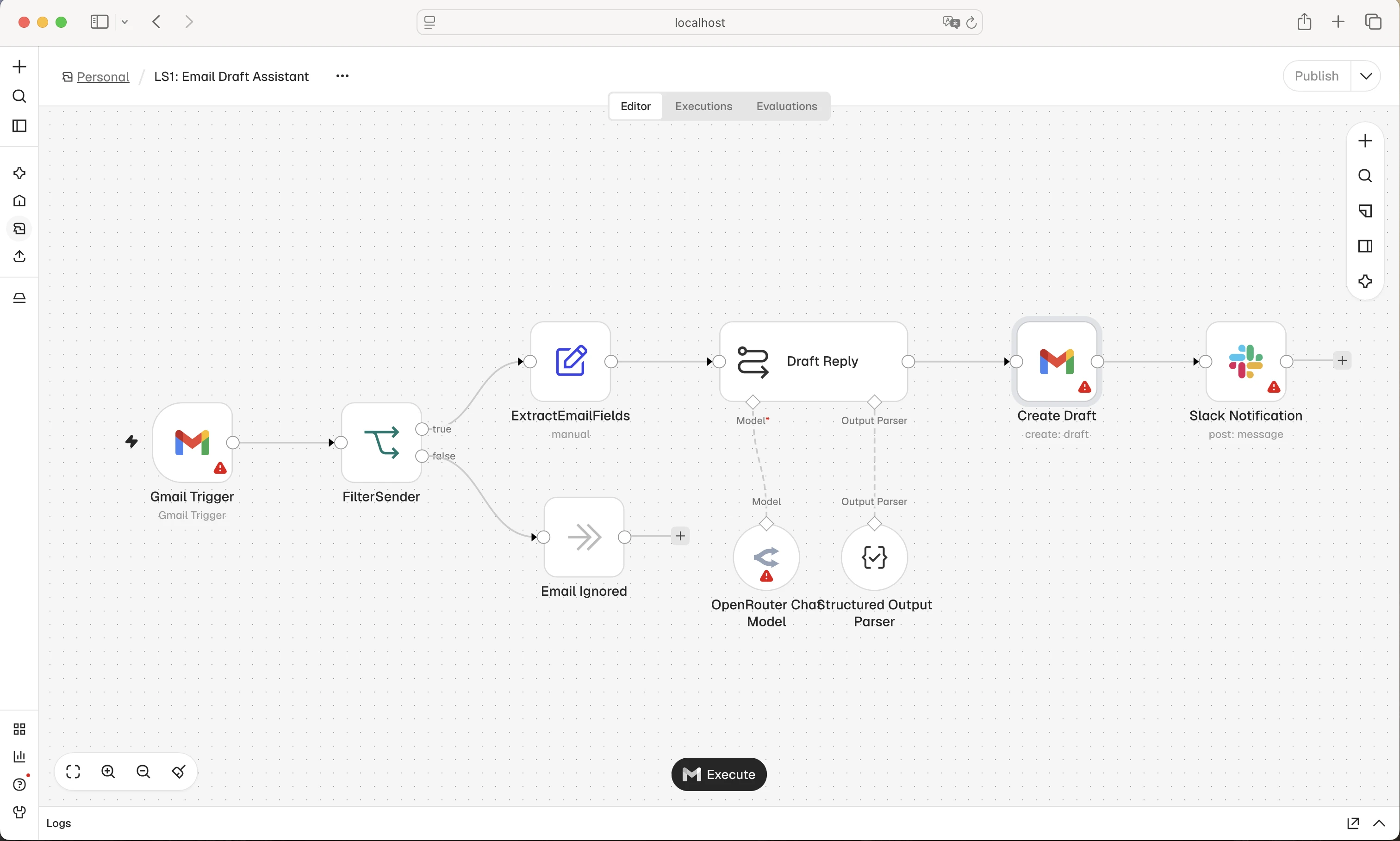
This n8n example shows information moving between apps. A webhook repair checks both that an update arrives and that the next app finishes its job. The guide applies to other apps too.
Screenshot: n8n. Example screen; yours may look different.What to ask the freelancer to do
- Follow one update through both apps
- Check the address and security checks
- Fix the agreed connection fault
- Test repeated and failed messages
- Explain how to spot future failures
Questions to ask before hiring
- How will you check the update actually changed the record?
- What happens if the message arrives twice?
- Can we test without real orders or payments?
Red flags
- Turns off security checks as the lasting fix
- Calls a delivery message proof the whole job is done
- Assumes messages can never arrive twice
Agree what the job includes
- Name the sending app, receiving app and updates that need fixing. Ask the developer to follow one message all the way to the finished result.
- Check each app’s own instructions. Apps differ in when they retry failed messages and how they prove who sent them.
- Agree how repeated messages are recognised and how failed work is found. “Message received” should not be the only test.
What to send the freelancer
- Share the app names, help links, error text and a made-up message. Keep secret keys and customer details out of screenshots.
- List any effects on orders, stock, money or messages. Agree safe test records.
- Agree who will publish the change, check for failures and restore the old setup if needed.
How to check the work is done
- One test message reaches the right app and makes the agreed change.
- The same message sent twice does not repeat the action. A message that fails a security check is rejected.
- You get clear notes on what changed, who owns the connection and how to retry failed work.
What may cost extra
- Building a new payment system or copying old records needs a separate price.
- A repair cannot make every app send updates in the same order or with the same retry rules.
Sources checked 22 October 2026
Use this guide to agree the work and check the result.
Common questions
Why does a webhook return 200 but nothing happens?
A 200 response can mean the receiving address accepted the message. It does not prove the app finished the job. Follow the same message ID through the receiving app and check the final record.
Why do webhook updates arrive twice?
The sender may retry a message if it does not get the response it expects. Check that repeated copies of the same message do not repeat the business action. The sender’s own rules matter.
Find help on Fiverr
Ready to hand it over? This freelancer offers help with the job covered in this guide. Look at their work and send them your brief to get a quote.
Olivia Carter
@olivia_carter28 · FiverrApp update and webhook repairs
This listing offers help when one app’s automatic updates fail to reach or update another app. Confirm it supports your apps.
Before you hire: Ask how they will check the update reaches the right record and does not repeat the same action twice. Keep security checks on.
View service on Fiverr ↗Listing checked 2026-10-22. We have not hired this freelancer or tested their work.
Build my freelancer brief
Answer a few questions to make a clear job description you can send to a freelancer.