Fix Wrong Business Details and Duplicate Local Listings
Find wrong names, addresses and phone numbers, agree the correct details and fix listings without losing control of your profile.
An old phone number or duplicate listing can send customers to the wrong place. Start with one agreed record of your real business details. Then check which profiles you own and where the wrong information appears. This is a cleanup job, not a reason to add keywords to your business name or create a new profile for every service.
Things to check first
- Write down the real business name, address or service area, phone number, website and opening hours. Use the same approved record for the work.
- Check access to your existing Google Business Profile before creating another. A move or changed phone number does not usually mean you need a new profile.
- Save the URLs of wrong or duplicate listings and what is wrong on each. Separate profiles you control from sites where you must request an edit.
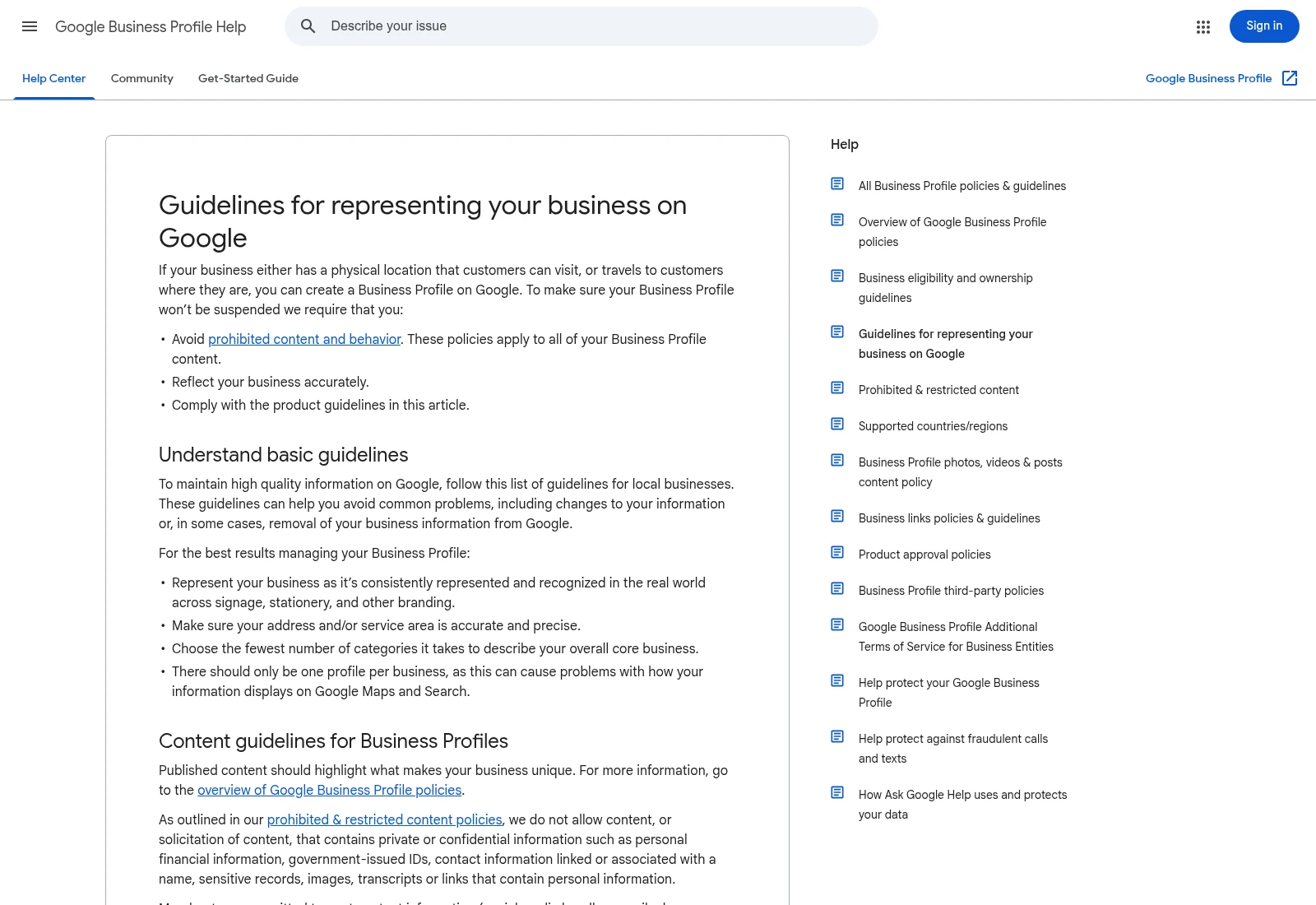
Google’s business profile rules cover names, locations and eligibility. Check the current rules before editing or merging profiles.
Documentation screenshot: Guidelines for representing your business on Google - Google Business Profile Help. Example screen; yours may look different.Fix the important details first
Start with profiles customers actually use and listings that send them to a wrong address or number. The name should match the real business, not a string of towns and services added for rankings. Use the correct rules for storefronts and service-area businesses.
Keep ownership with the business. Invite help through the platform’s access controls rather than sharing a personal account password. Ask who will track verification requests, rejected edits and listings that a third party will not change.
Be careful with duplicate profiles
Two profiles that look similar may represent a duplicate, a separate eligible business or an eligible practitioner. Check the facts before requesting a merge or removal. Some changes can affect reviews, replies or account access.
Do not treat a submitted edit as a completed fix. Keep a record showing what was changed, what is still pending and what could not be changed. Check the public listings again after the work; a spreadsheet of login details is not proof that customers see the right information.
What to ask the freelancer to do
- Compare listings with the correct business details
- Make or request the agreed listing edits
- Report confirmed changes and pending requests
Questions to ask before hiring
- Is this package an audit only, or does it include editing listings?
- How will you check a duplicate before requesting removal?
- What happens when a directory rejects or ignores an edit?
Red flags
- Creates extra Google profiles without checking eligibility
- Adds search keywords to the real business name
- Calls submitted requests completed changes
Agree what the job includes
- Audit the agreed listings against the approved business details and flag possible duplicates.
- Submit or make the agreed changes using business-owned accounts where available.
- Check public results and supply listing URLs, completed changes and pending requests.
What to send the freelancer
- Provide the approved details, old names or addresses and existing listing URLs.
- Confirm profile ownership and agree who handles verification messages.
- Agree the number of listings, the cleanup price and whether website changes are included.
How to check the work is done
- Agreed editable listings show the correct details, with public URLs supplied.
- Duplicate cases and pending third-party requests have clear notes and next steps.
- The business keeps account ownership and knows how to update future details.
What may cost extra
- Third-party approval, review removal and local ranking positions cannot be guaranteed.
- A suspended profile, paid directory fees and broad website SEO may need separate work.
Sources checked 2026-10-24
- Guidelines for representing your business on Google - Google Business Profile Help
- Resolve duplicate profiles & ownership issues - Google Business Profile Help
Use this guide to agree the work and check the result.
Common questions
Should I create a new Google profile after moving?
Usually you should update the existing profile rather than create another. Check Google’s current rules and the ownership of the existing profile first.
Can a freelancer guarantee every directory will change my details?
No. Some sites require verification or control the final decision. Ask for completed edits and pending requests to be reported separately.
Find help on Fiverr
Ready to hand it over? This freelancer offers help with the job covered in this guide. Look at their work and send them your brief to get a quote.
Rashid
@services97 · FiverrBusiness listing audit and cleanup
The basic package is an audit. Higher packages include cleanup of an agreed number of listings; third-party edit approval is outside the seller’s control.
Listing checked October 24, 2026: 193 reviews, 4.9/5 displayed. Visible reviews included recent and repeat citation cleanup projects.
Before you hire: Confirm which listings will be changed, which need verification and how pending requests will be reported. Website fixes and profile suspension work need a separate scope.
View service on Fiverr ↗Listing checked 2026-10-24. We have not hired this freelancer or tested their work.
Build my freelancer brief
Answer a few questions to make a clear job description you can send to a freelancer.