 Google Analytics
Set Up GA4 Ecommerce Tracking on a Custom Store
Track product views, carts and purchases on a custom store. Agree the event data and test order details before using the reports to judge sales.
GA4 does not understand your custom checkout simply because a tracking tag is installed. Your site must send the right shopping events and product details at the right moment. This guide covers a new ecommerce setup for a custom or unsupported store. If an existing Shopify setup is missing purchases, start with our Shopify tracking guide instead.
Things to check first
- Confirm the GA4 property, web stream and test site. List any existing analytics tags, plugins or developer code to avoid a second copy.
- Write down the shopping actions you need to measure, such as viewing a product, adding to cart and completing an order.
- Choose a made-up product or approved test order. Confirm where the store’s order ID, amount, currency and item details come from.
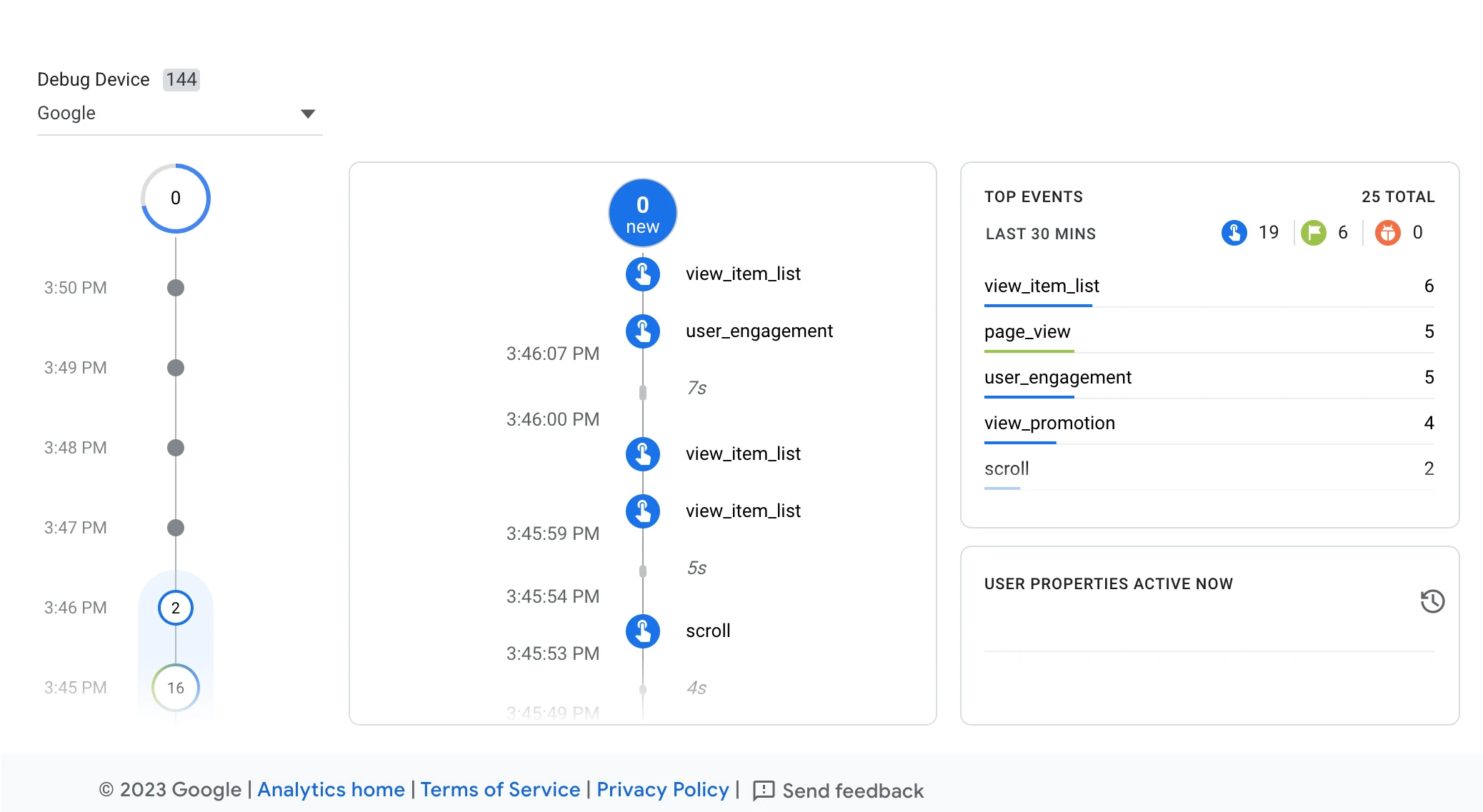
DebugView shows test actions as Analytics receives them. A specialist can use it to check whether a successful enquiry appears once. This Google example shows other website actions.
Screenshot: Google Analytics. Example screen; yours may look different.Measure a real purchase, not just a page visit
A thank-you page can be reloaded, bookmarked or opened after an unsuccessful payment. Agree which confirmed order state should send the purchase event, and how the same order will keep the same transaction ID.
Google’s ecommerce guide explains the event and item fields. Include the currency when sending a value. Agree whether each amount includes shipping or tax; do not let two teams give the same field different meanings.
Check the journey before trusting a total
Use debug tools to inspect the agreed sample. Check product IDs, quantities, currency and value as well as the event name. An event can arrive successfully and still describe the wrong purchase.
Test the real route through checkout, including a return from an external payment page if you use one. Preserve privacy choices. Browser limits, consent and reporting delays mean GA4 will not always equal the accounting total, even with a sound setup.
What to ask the freelancer to do
- Plan purchase events and required fields
- Set up tracking for the agreed checkout
- Check successful, failed and repeated purchase tests
Questions to ask before hiring
- Who will provide the order data from the checkout code?
- Which amount is sent as value and when is a purchase confirmed?
- How will you test reloads, a failed payment and an external checkout return?
Red flags
- Only checks that page_view appears
- Invents a new order ID on each page load
- Disables privacy choices to make a test look complete
Agree what the job includes
- Agree event names and fields using Google’s documented ecommerce structure. Identify who supplies the order data and who configures GA4 or Tag Manager.
- Implement the agreed events without adding a second tracker. Include stable order IDs and a clear rule for when a purchase is confirmed.
- Validate a small set of test journeys, then document which reports to use and which gaps are expected.
What to send the freelancer
- Share the store framework, payment flow, GA4 property and current tagging method without sharing passwords.
- Provide made-up order examples and explain product variants, tax, shipping and refunds in the store’s own terms.
- Agree test purchase costs, refund handling, privacy settings and who can release checkout code.
How to check the work is done
- The test product and cart events contain the agreed item details and reach the correct property.
- A confirmed purchase has the correct transaction ID, currency and agreed amount. Reloading the confirmation does not create a different order ID.
- The handover contains test evidence, event rules, remaining limits and the owner of future checkout changes.
What may cost extra
- Repairing historical reports and managing advertising campaigns are separate jobs.
- A new reporting dashboard or server container is not included unless agreed.
Sources checked 2026-10-24
Use this guide to agree the work and check the result.
Common questions
Is installing a GA4 tag enough for ecommerce reports?
No. A custom store must send the supported shopping events and the relevant product and order fields. A page view alone does not describe a purchase.
Should GA4 sales always match my bank deposits?
No. Tracking, consent, timing and the meaning of each amount can differ. Compare an agreed order sample first, rather than expecting every reporting system to show the same total.
More help: Source 1
Find help on Fiverr
Ready to hand it over? This freelancer offers help with the job covered in this guide. Look at their work and send them your brief to get a quote.
Bappi Hossain
@ppc_bappi · FiverrGA4 ecommerce tracking setup
The listing includes GA4 ecommerce tracking and custom-site data layers. Confirm support for your checkout and site stack.
Listing checked October 24, 2026: 1,831 reviews, 4.9/5 displayed. Recent reviews discussed GA4, GTM and custom tracking delivery.
Before you hire: Ask which purchase fields and data-layer code are included. Test a successful order, failed payment and reload without bypassing consent.
View service on Fiverr ↗Listing checked 2026-10-24. We have not hired this freelancer or tested their work.
Build my freelancer brief
Answer a few questions to make a clear job description you can send to a freelancer.