 Shopify
 Google Analytics
Shopify GA4 Not Tracking Purchases? What to Check
Are Shopify orders missing from Google Analytics, counted twice or showing the wrong value? Check the basics and find help with the tracking.
Shopify and Google Analytics do not always show the same totals. A report may be late, you may be viewing the wrong account, or visitors may have declined tracking. Missing orders do not automatically mean the code is broken. Start with one test order and check whether GA4, Google’s website reporting tool, receives it correctly.
Things to check first
- Check that you are looking at the right GA4 property: the reporting account for this store. Check the date range too.
- Review the Google & YouTube connection and list any other analytics apps or tracking code. Do not add another copy just to see if it helps.
- Place an agreed test order. Standard shopping reports can take up to 24 hours to fill. The specialist can use DebugView to check test activity sooner. Keep the usual privacy settings in place.
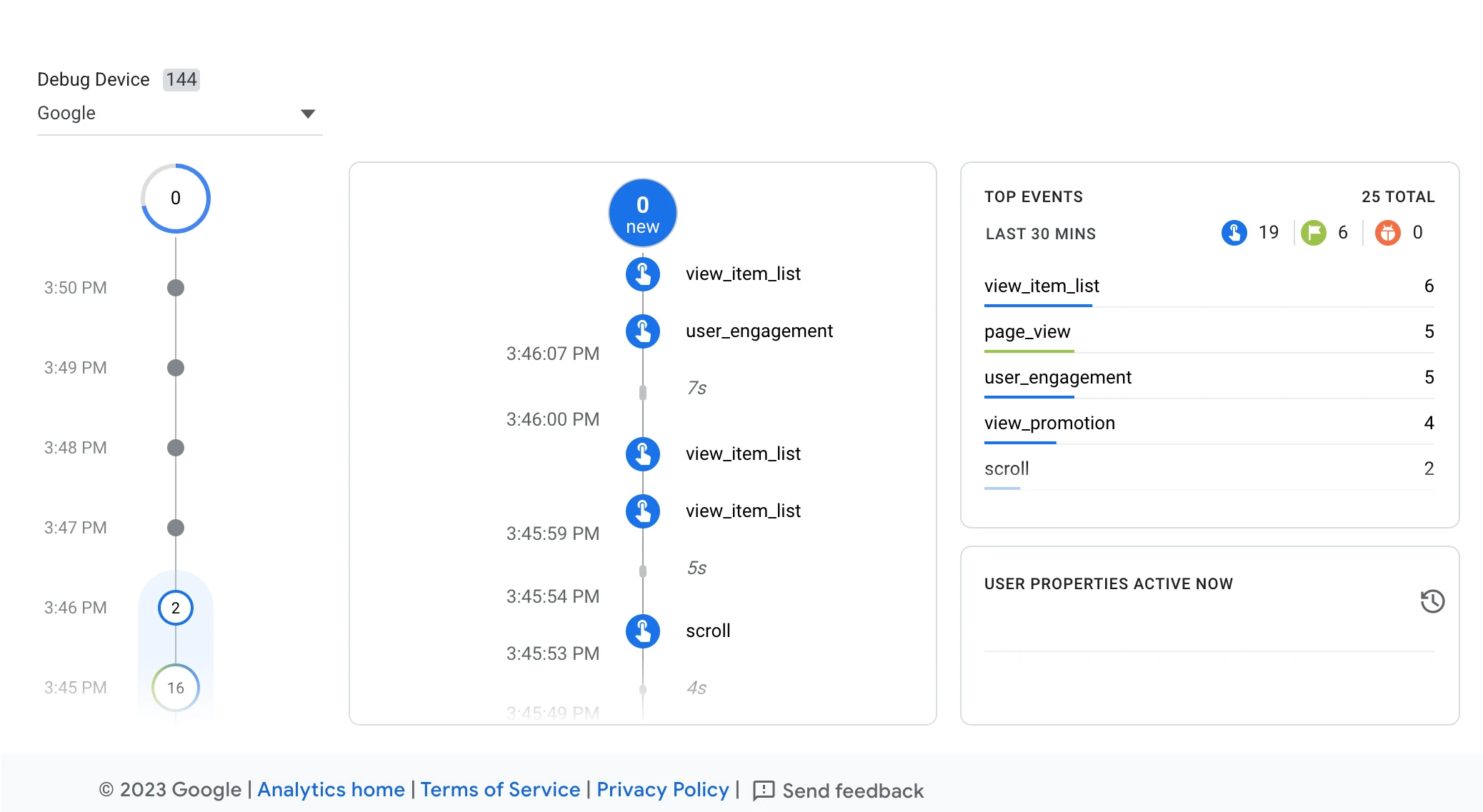
A specialist can use DebugView to check the updates sent by a test order. Ask them to check the order amount, currency and order ID too. This Google example shows general website activity.
Screenshot: Google Analytics. Example screen; yours may look different.What to ask the freelancer to do
- Check the current tracking
- Find missing or repeated purchases
- Check order values and currency
- Test an order
- Explain the setup
Questions to ask before hiring
- How will you check a test purchase?
- Will you check for double counting?
- How will visitor privacy choices affect the test?
Red flags
- Checks page visits but never tests an order
- Cannot explain how purchase tracking is checked
Agree what the job includes
- List the tools already sending shopping information to GA4. Agree which actions need checking.
- Follow a test order and check its order ID, amount, currency and product details.
- Fix the cause and test again. Ask the freelancer to explain the role of each tool they leave in place.
What to send the freelancer
- Share one example of a mismatch, its date and the pages used. Hide customer details.
- List analytics apps, custom code and recent changes. Use account invitations rather than sharing passwords.
- Agree the cost of test orders, any refunds and who can approve live changes.
How to check the work is done
- The test order appears in the right GA4 account with the correct details.
- Any remaining gaps, repeated counts or report delays are explained.
- You get clear notes on changed settings and how to restore the old setup.
What may cost extra
- Improving ads, rebuilding old reports and guaranteeing sales are separate jobs.
- Extra paid tracking tools need your approval.
Sources checked 22 October 2026
Use this guide to agree the work and check the result.
Common questions
Why does GA4 show visits but no Shopify purchases?
Visits and purchases are separate updates. Check the correct account and the existing Shopify tracking setup, then follow one test order. A page visit alone does not prove purchase tracking works.
Should GA4 sales always match Shopify exactly?
Do not assume exact agreement. Reporting time, privacy choices and the orders being compared can differ. Ask for a test of the order ID, amount and currency, plus an explanation of remaining gaps.
Find help on Fiverr
Ready to hand it over? This freelancer offers help with the job covered in this guide. Look at their work and send them your brief to get a quote.
Md. Nayem
@afeefnayem · FiverrShopify purchase tracking in GA4
This listing covers missing purchases, double counts and wrong sales amounts in Shopify’s Google Analytics tracking.
Before you hire: Ask for a test order, checks that it is counted once and proof it reaches the right Analytics account.
View service on Fiverr ↗Listing checked 2026-10-20. We have not hired this freelancer or tested their work.
Build my freelancer brief
Answer a few questions to make a clear job description you can send to a freelancer.