 Google Analytics
GA4 Form Submissions Not Tracking? Checks & Fixes
Are website enquiries missing from Google Analytics, or counted more than once? Learn what to check and how to get the right numbers.
Clicking “Send” is not the same as sending a successful enquiry. A form might show an error, but your reports could still count the click as a lead. First check that the business receives the enquiry. Then check whether Google Analytics records that success once. A lead here means a completed enquiry, not a promise that someone will buy.
Things to check first
- Send one test enquiry. Check that it arrives and note the success message or page shown afterwards.
- Check you are looking at the right GA4 account. List any website plugins, tracking code or Google Tag Manager setup already in use.
- Use the Google test tools to check the successful enquiry, then try a form with a required field missing. Keep your usual privacy choices in place.
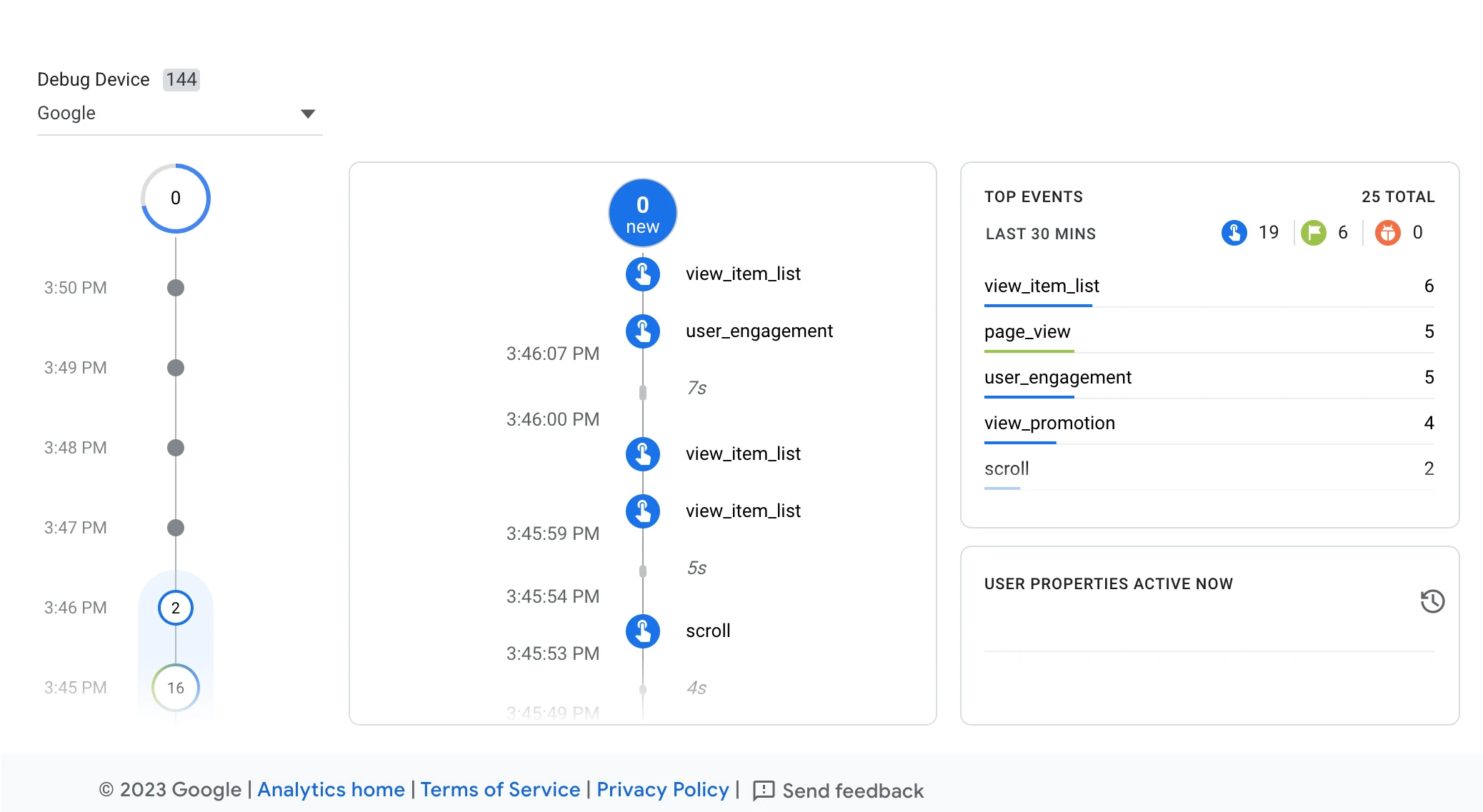
DebugView shows test actions as Analytics receives them. A specialist can use it to check whether a successful enquiry appears once. This Google example shows other website actions.
Screenshot: Google Analytics. Example screen; yours may look different.What to ask the freelancer to do
- Check the form’s success signal
- Record successful enquiries in GA4
- Stop missing or repeated counts
- Test successful and failed submissions
- Explain how to check future enquiries
Questions to ask before hiring
- How will you tell a successful enquiry from a button click?
- Can you test this particular form?
- Will any personal details reach Analytics?
Red flags
- Counts every click on Send as a lead
- Sends form messages or contact details to Analytics
- Tests only a successful submission
Agree what the job includes
- Agree which forms and bookings count as leads. A click on a phone number is different from a completed call.
- Name the action you want to see in reports. Ask separately about marking it as a key event or sending it to Google Ads.
- Agree which forms, devices and privacy choices will be tested. One desktop test may miss a mobile problem.
What to send the freelancer
- List the forms, their success messages and recent website changes. Use made-up contact details for tests.
- Give the specialist only the access needed. Keep the website and analytics accounts owned by your business.
- Save the old tracking setup and agree who can publish changes.
How to check the work is done
- A successful enquiry is counted once. A failed or abandoned form is not counted as a completed enquiry.
- The tracking does not send the person’s name, email, phone number or message to Analytics.
- You get a list of what is tracked, test results and instructions for checking it later.
What may cost extra
- This does not judge lead quality or improve ads by itself.
- A new cookie tool, custom form code or tracking run through a server needs a separate quote.
Sources checked 22 October 2026
Use this guide to agree the work and check the result.
Common questions
Why does GA4 count a button click but miss the enquiry?
Clicking Send does not prove the form was delivered. Check what signals a successful enquiry, such as a success message or confirmation page, and agree which signal should be counted.
Can Google Analytics track every embedded form automatically?
Do not assume so. Ask whether your exact form and booking tool are supported. A form run by another app may need extra setup or code, which should be priced separately.
Find help on Fiverr
Ready to hand it over? This freelancer offers help with the job covered in this guide. Look at their work and send them your brief to get a quote.
Walid D.
@waliddahmane · FiverrGA4 enquiry tracking
This listing offers help with missing or repeated enquiry counts in Google Analytics. The first package checks the problem; ask which package includes a fix.
Before you hire: Confirm your form is covered. Ask for tests of successful and failed submissions, with no customer details sent to Analytics.
View service on Fiverr ↗Listing checked 2026-10-22. We have not hired this freelancer or tested their work.
Build my freelancer brief
Answer a few questions to make a clear job description you can send to a freelancer.