 Tag Manager
 Google Analytics
GTM Events Firing Twice? Find Duplicate Tracking
Does one click, enquiry or order get counted twice? Find the extra tracking code and fix it without losing the numbers you still need.
A website can send the same update from two places. For example, a plugin and Google Tag Manager may both count the same enquiry. Sometimes the same tracking rule runs twice. Find out which code sent each count before removing anything. Otherwise you could replace double counting with no counting at all.
Things to check first
- Choose one action, such as a completed enquiry. Write down how many times it should be counted.
- Use GTM Preview and Tag Assistant to watch which tags run. Tags are small pieces of tracking code.
- List other plugins and code that might count the same action. GTM Preview only shows what its own setup is doing.
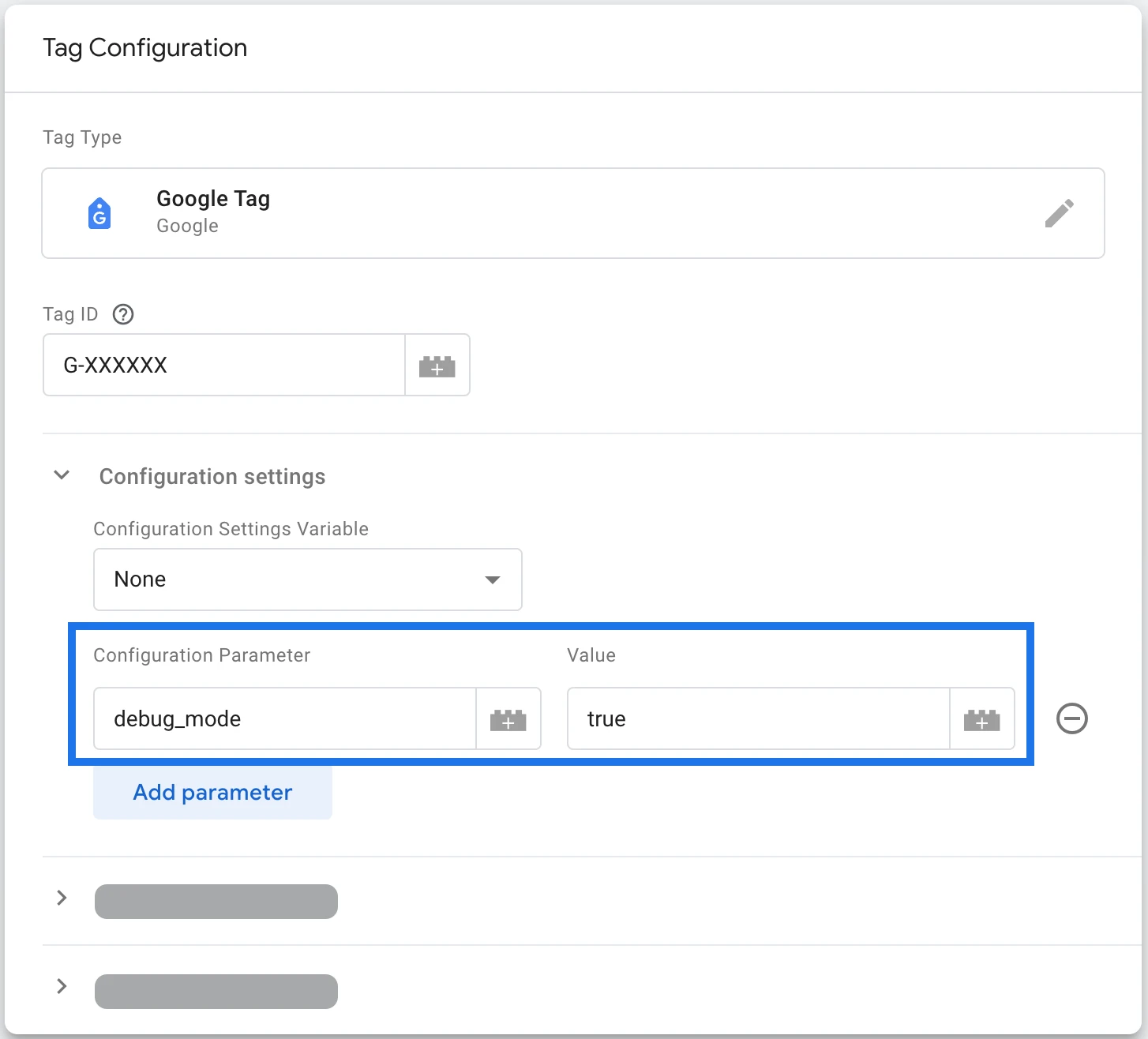
Google Tag Manager holds the rules that send tracking updates. This example shows a test setting. The specialist should check which rules run for your action and whether another tool sends the same update.
Screenshot: Google Analytics. Example screen; yours may look different.What to ask the freelancer to do
- Find what counts the action twice
- Choose the tracking to keep
- Fix the extra tag or rule
- Test the live page and other key actions
- Save clear change notes
Questions to ask before hiring
- Which tools send this count?
- How will you check tracking still works afterwards?
- Can we restore the previous setup?
Red flags
- Deletes all tracking to remove extra counts
- Checks only an unpublished test version
- Makes changes without saving the old version
Agree what the job includes
- Ask for a clear example showing why one action is counted twice. Two separate real actions should not be treated as one by mistake.
- Agree which tool should count the action. Keep other tracking you still need and test it after the change.
- Save the current version. Test the change in Preview, then check it again on the published website.
What to send the freelancer
- Share the affected page, the GTM container ID and the Analytics account receiving the counts. Hide customer details.
- List ads or reports that use this action. Agree a test that will not create lots of fake leads.
- Choose who can publish the change and agree how to restore the previous version.
How to check the work is done
- One test action creates the expected count in the right account.
- Repeat visits and other nearby actions still behave as agreed.
- Ask for a note explaining why the action was counted twice, which rules changed and how to restore the old setup.
What may cost extra
- Fixing old reports or changing how ads get credit is a separate job.
- Correct counts do not guarantee more leads or matching totals in every tool.
Sources checked 22 October 2026
Use this guide to agree the work and check the result.
Common questions
Does an event firing twice mean I should delete a tag?
Find both sources first. A plugin and Tag Manager may each send the same update, or one rule may run twice. Agree which tracking to keep before removing anything.
How do I check that double counting has stopped?
Use one test action and watch which tags run in Preview. Then repeat the test on the published website. Check other important actions too, so fixing one count does not break another.
Find help on Fiverr
Ready to hand it over? This freelancer offers help with the job covered in this guide. Look at their work and send them your brief to get a quote.
Walid D.
@waliddahmane · FiverrGoogle Tag Manager tracking repairs
This listing includes help with enquiries that get counted twice. Ask whether your type of tracking is included.
Before you hire: Ask which tool is sending the extra count, how they will fix it and how they will check other tracking still works.
View service on Fiverr ↗Listing checked 2026-10-22. We have not hired this freelancer or tested their work.
Build my freelancer brief
Answer a few questions to make a clear job description you can send to a freelancer.