 Shopify
 Meta
MetaShopify Meta Pixel Not Tracking Purchases? Checks
Fix missing or repeated purchase updates sent from Shopify to Facebook and Instagram. Understand what needs fixing before adding another tracking tool.
Meta uses purchase updates to report on Facebook and Instagram ads. Your store can send those updates through the shopper’s browser using a Pixel, or through a server using Conversions API, often called CAPI. If both send the same purchase, Meta needs to recognise it as one order. First check the setup you already have.
Things to check first
- Choose one missing or repeated purchase and note when it happened.
- List the Shopify Meta connection, tracking apps and custom code already installed.
- Use an agreed test order to check what Meta receives. Keep the store’s normal consent settings in place.
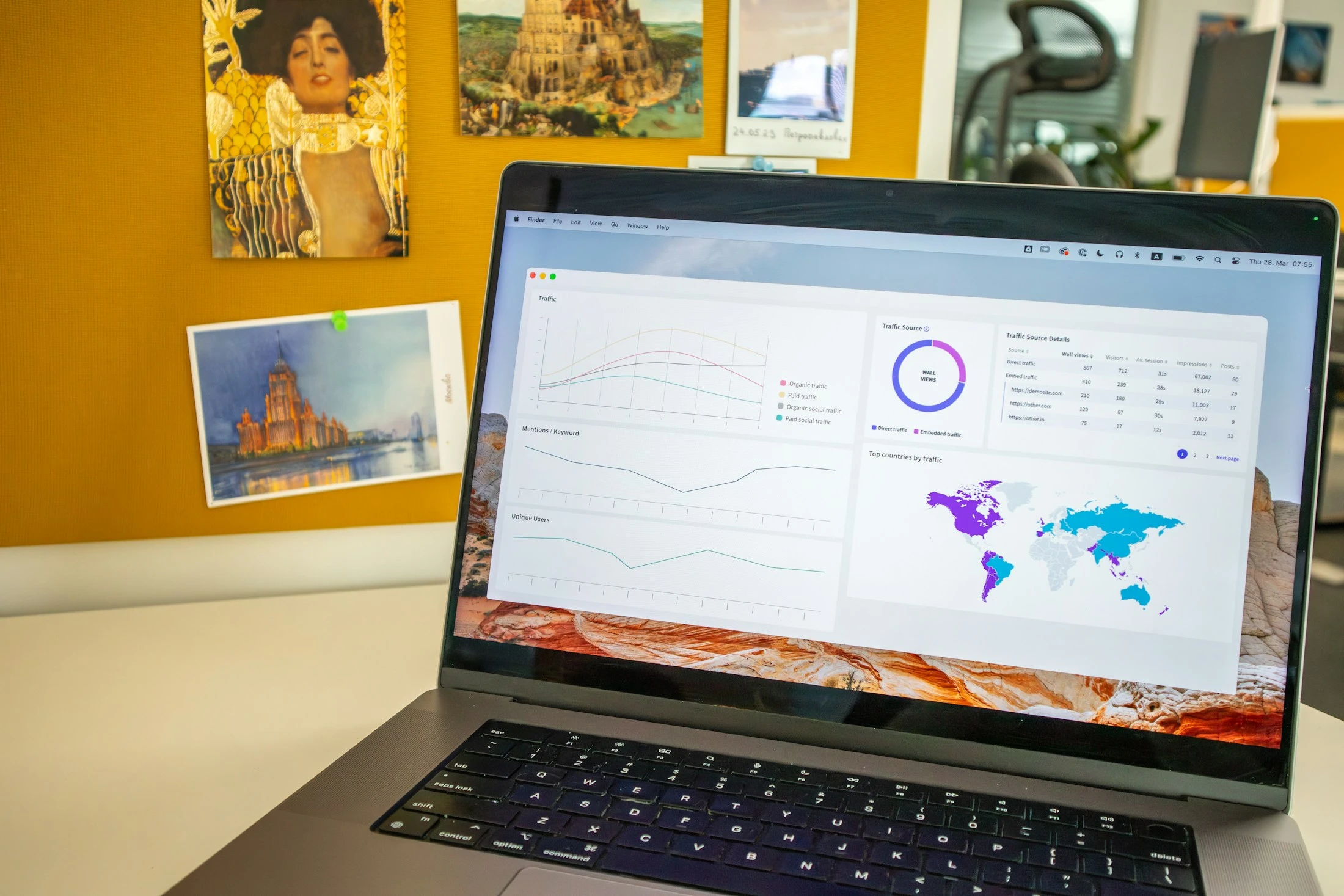
Ad reports are useful only when the underlying tracking is right. Check one test purchase from your store to Meta before paying for more tracking tools. Photo used to illustrate reviewing reports.
Photo: Unsplash. Illustrative photo.What to ask the freelancer to do
- Check Pixel and CAPI tracking
- Find missing or repeated purchase updates
- Fix the agreed fault
- Test purchases
- Explain the changes
Questions to ask before hiring
- How will one purchase be counted once?
- Which actions will you test?
- Will any extra tool have a monthly cost?
Red flags
- Installs another Pixel without checking existing tracking
- Ignores repeated purchase counts
Agree what the job includes
- Ask for a list of the existing tracking tools and the Meta account they send to.
- Agree which actions to fix and whether Shopify’s existing connection is enough. Extra paid server tools should have a clear reason.
- Check that the browser and server versions of one purchase are counted as a single purchase.
What to send the freelancer
- Share the affected action and recent app or theme changes.
- List the business-owned Meta and Shopify accounts. Arrange only the access needed.
- Agree test orders, refunds and how privacy choices will be checked.
How to check the work is done
- The test actions reach the right Meta account with the right amount and currency.
- The specialist explains how repeated copies of one purchase are handled.
- You get the changed settings, any ongoing costs and steps to undo the change.
What may cost extra
- This does not include managing ads or guaranteeing better ad returns.
- Changes to customer data sharing or paid services need your agreement.
Sources checked 22 October 2026
Use this guide to agree the work and check the result.
Common questions
Why might Meta count one Shopify purchase twice?
The store may send two copies through different tracking tools. Ask the specialist to check the existing Pixel, apps and server updates before adding another tool.
Do I always need a new paid CAPI tool?
No. Check what the current Shopify connection already does and what is actually failing. Ask for a clear reason and the monthly cost before adding another service.
More help: Source 1
Find help on Fiverr
Ready to hand it over? This freelancer offers help with the job covered in this guide. Look at their work and send them your brief to get a quote.
Shahroz Khan
@srk_workroom · FiverrShopify purchase tracking for Meta ads
This listing covers Meta Pixel and Conversions API tracking for Shopify, including repeated purchase counts.
Before you hire: Ask whether the existing Shopify connection is enough, what will be tested and whether extra tools have monthly fees.
View service on Fiverr ↗Listing checked 2026-10-20. We have not hired this freelancer or tested their work.
Build my freelancer brief
Answer a few questions to make a clear job description you can send to a freelancer.