Connect HubSpot and Xero Without Duplicate Customers or Invoices
Plan which contacts, products, invoices and payment updates should move between HubSpot and Xero. Set clear rules before switching on a two-way sync.
A salesperson updates a customer in HubSpot while a bookkeeper edits the same customer in Xero. Which change should win? A connection needs that answer before it starts. HubSpot’s Xero Data Sync can move supported records between the apps, but connecting the accounts alone does not define who owns each field or prevent every duplicate.
Things to check first
- Confirm the exact Xero app installed in HubSpot. Different connectors can have different rules, costs and supported records.
- Choose one contact and invoice that should sync. Check their record IDs, invoice status and the account on each side.
- Review the chosen sync direction, conflict rules and filters. A draft or excluded invoice may be working as designed rather than failing.
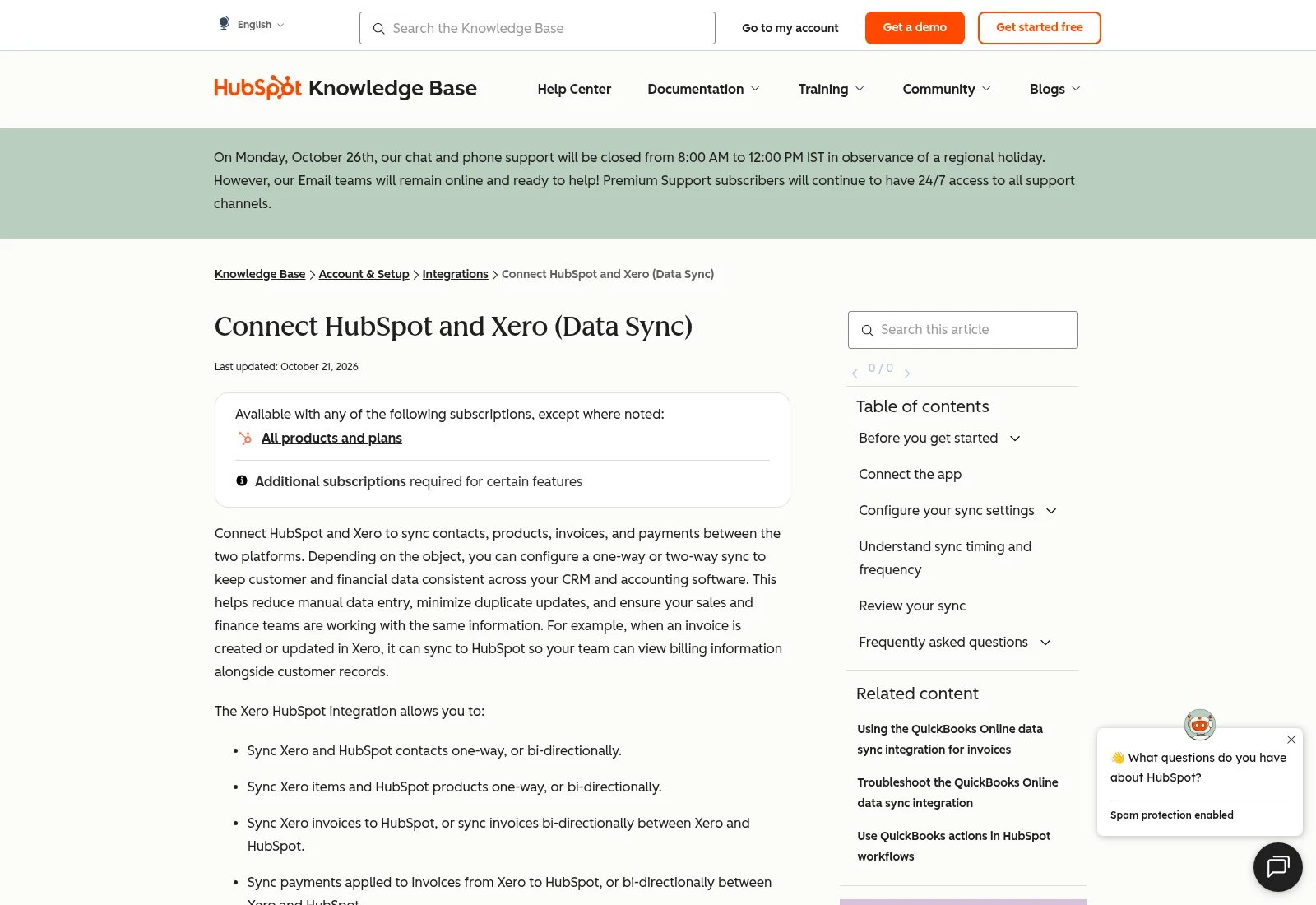
HubSpot’s public guide explains supported records and sync settings. This is not a screenshot of a tested customer connection.
Documentation screenshot: Connect HubSpot and Xero (Data Sync). Example screen; yours may look different.Choose a clear owner for each record
Decide where staff should create customers and invoices. Write down which app owns names, addresses, product details and payment status. Avoid giving both teams permission to overwrite everything without a rule.
HubSpot recommends setting up contact sync, then product sync, then invoice sync. Its connector also has rules about where synced invoices can be edited. Follow those rules instead of treating every field as a free two-way link.
Check the limits before paying for custom work
Custom field mapping can require a paid HubSpot subscription. Check current currency, tax, invoice and payment restrictions in the official guide. In particular, HubSpot says invoices using its automated sales tax do not sync to Xero.
Some updates are checked on a schedule. Look at records marked as synced, failed or excluded, and use the documented sync controls when investigating. Do not repeatedly create new copies while waiting for an update.
What to ask the freelancer to do
- Plan record matching and sync direction
- Configure the agreed contacts, products and invoices
- Test updates, exclusions and error recovery
Questions to ask before hiring
- Which records and directions does this connector support today?
- What identifies an existing customer and which app wins a conflicting edit?
- Which subscription, invoice status or currency rules affect this setup?
Red flags
- Promises that every field syncs both ways
- Tests only new contacts and ignores existing records
- Changes accounting fields without the finance owner’s approval
Agree what the job includes
- Name the connector and the supported record types. Agree one-way or two-way behavior for each type, including how an existing customer is matched.
- Set filters and field rules using a small agreed sample. Have the finance owner approve invoice, currency and tax requirements.
- Test a new record and a later update from each permitted direction. Show what happens to a record that the connector excludes.
What to send the freelancer
- Provide the HubSpot tier, Xero organization and connector name. Share screenshots with private information hidden.
- List which team edits each field and whether historical invoices or duplicate contacts already exist.
- Use made-up contacts and agreed test invoices. Confirm how these will be removed or cancelled safely afterward.
How to check the work is done
- The sample contact is matched correctly instead of creating another copy on every update.
- The permitted invoice and payment changes follow the agreed rules; excluded records have a visible reason.
- The handover explains field ownership, likely update delays, account access and how to stop or recover a failed sync.
What may cost extra
- Cleaning all old CRM data and changing the sales process are separate jobs.
- Unsupported tax, currency or accounting behavior cannot be fixed by promising a universal sync.
Sources checked 2026-10-24
Use this guide to agree the work and check the result.
Common questions
Why does a HubSpot invoice not reach Xero?
Check connector filters, invoice status, currency and the current tax restrictions. Save the actual error before changing or recreating the invoice.
Should every record sync in both directions?
No. Give each team a clear place to make changes and choose sync directions that support that process. Two-way sync needs explicit conflict rules.
More help: Source 1
Build my freelancer brief
Answer a few questions to make a clear job description you can send to a freelancer.