 Shopify
Connect Shopify to Xero Without Counting Sales Twice
Connect your US store to Xero, choose what should sync and check sales, fees and refunds against one payout before importing more.
Your Shopify orders total $1,000, but the bank receives less after fees and refunds. That does not automatically mean money is missing. A useful Shopify–Xero connection explains how sales become a bank deposit. Start with the app already connected, the records it creates and the date it started. Adding a second sync can count the same sale twice.
Things to check first
- List every app already sending store activity to Xero. Check the Xero organization and Shopify store before connecting anything else.
- Choose one completed payout. Gather its sales, fees and refunds, with customer details hidden, and compare it with the bank deposit.
- Check whether you use Xero Inventory Plus. Xero says not to connect this integration alongside it because accounting entries can be duplicated.
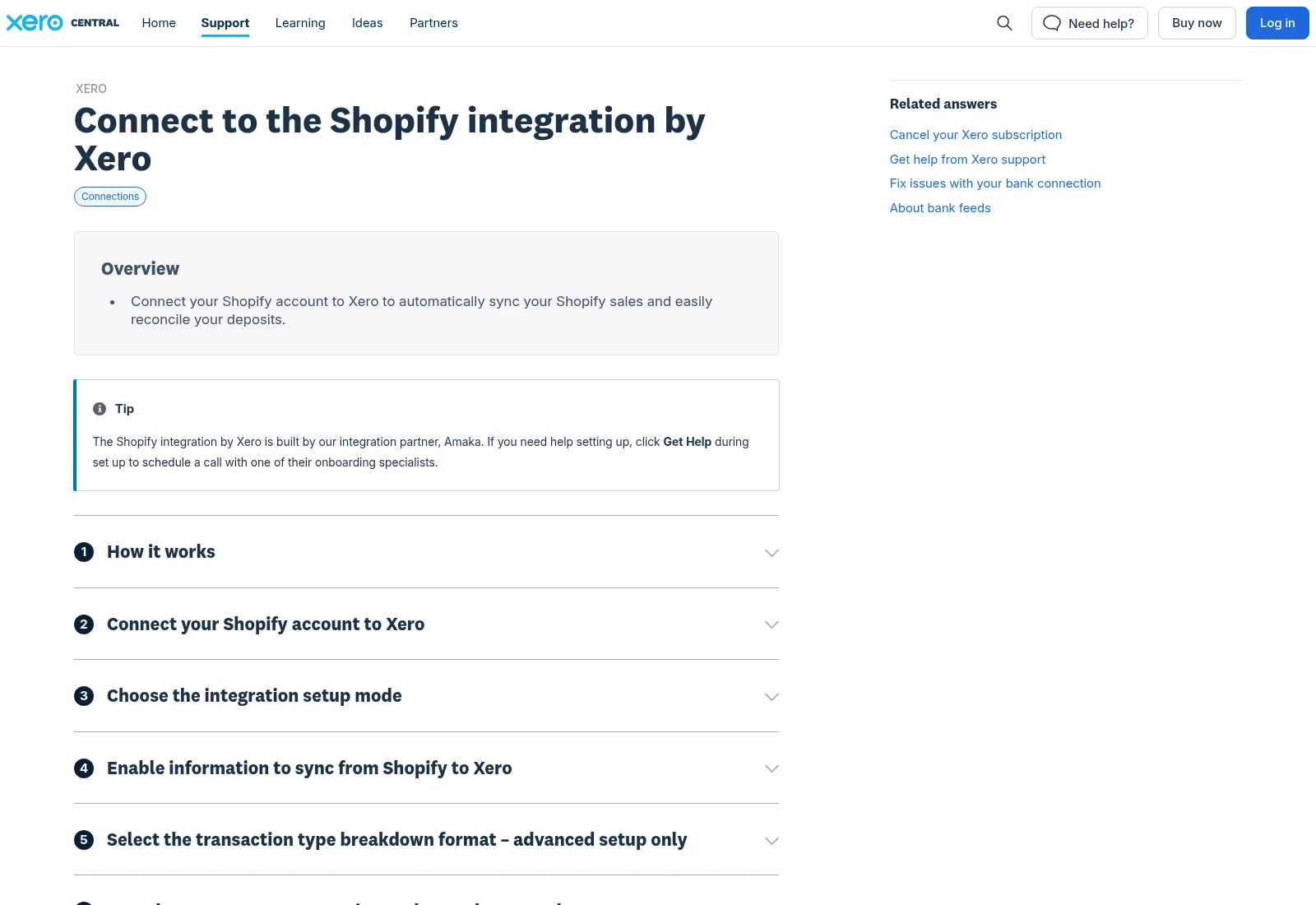
Xero’s public setup guide explains the native Shopify connection. This is documentation, not a test of your store or accounts.
Documentation screenshot: Xero Central. Example screen; yours may look different.Choose what the connection should create
Xero’s Shopify integration offers setup choices and account mappings. Decide with your bookkeeper whether the agreed setup should create summaries or individual orders. Check the limits of your Xero plan before choosing an invoice-heavy setup.
Write down where sales, discounts, shipping, fees, refunds and gift cards belong. Ask your accountant to approve tax settings. A developer can connect fields, but should not invent accounting or US sales-tax rules for your business.
Start with a small date range
Agree a start date that does not overlap records already entered. Save the old settings and test an agreed period before importing older activity. Historical limits depend on the connector; check the current product instructions.
Keep a short list of exceptions: a refund after the original sale, a payout containing several days of activity, and a payment taken outside Shopify Payments. A tidy-looking sync screen does not prove those amounts are correct.
What to ask the freelancer to do
- Check the current store-to-accounts connection
- Set the agreed accounts, fields and import dates
- Trace a sample payout, fee and refund
Questions to ask before hiring
- Does the quote include matching one payout, fees and refunds?
- How will you avoid overlapping the records already in Xero?
- Who approves account and tax mappings before syncing starts?
Red flags
- Connects another app before checking existing imports
- Treats every bank deposit as the full sales amount
- Imports months of history without an agreed start date
Agree what the job includes
- Agree the connector, start date and records it should create. Identify which old connection will be paused and who approves the switch.
- Map the agreed accounts and fields using settings approved by the finance owner. Include refund and fee handling, not only a successful sale.
- Check one payout from store reports to Xero and the bank deposit. Explain differences and document how to deal with future exceptions.
What to send the freelancer
- Share the connector name, Xero plan, store currency and a small payout example with private details hidden.
- List old imports, manual entries and other payment gateways. Save the current settings before changes.
- Agree limited account invitations, a change window and who can approve any new app subscription.
How to check the work is done
- The agreed test period creates the expected entries once, and the totals can be traced to the chosen payout.
- A refund and a fee reach the agreed accounts. Any timing differences or unsupported payment types are explained.
- The owner gets the mapping notes, import start date, remaining manual steps and a way to pause the connection.
What may cost extra
- Clearing old bookkeeping errors and preparing tax returns are separate jobs.
- Connector fees, inventory work and unsupported payment methods need their own scope.
Sources checked 2026-10-24
Use this guide to agree the work and check the result.
Common questions
Do I need a custom API build to connect Shopify and Xero?
Often a supported connector is enough. Check its current features and your accounting requirements first. Custom code should solve a specific gap.
Why is the payout smaller than my sales total?
Fees, refunds and payout timing can change the amount paid to the bank. Trace one payout using its report before deciding that the connection is wrong.
More help: Source 1
Build my freelancer brief
Answer a few questions to make a clear job description you can send to a freelancer.