 Shopify
Shopify Inventory Not Syncing Between Apps?
Trace a stock change from your main stock system to Shopify. Check product codes, locations and update timing before allowing an app to overwrite quantities.
Start by deciding which system owns the stock count. A warehouse app, supplier feed or Shopify itself may be sending changes. If two systems both treat their number as the correct one, stock can jump back after you edit it. Follow one product option through one update. Record the product code, location, quantity and time on both sides before changing the connection.
Things to check first
- Compare the SKU, the internal product code, on the exact option in both systems. Missing or repeated codes can make an app update the wrong item.
- Check the location being updated. A correct total at the wrong location may not make stock available to online customers.
- Check the app’s latest completed update and error history. Find out whether updates are scheduled, sent after a change or waiting for an account connection to be restored.
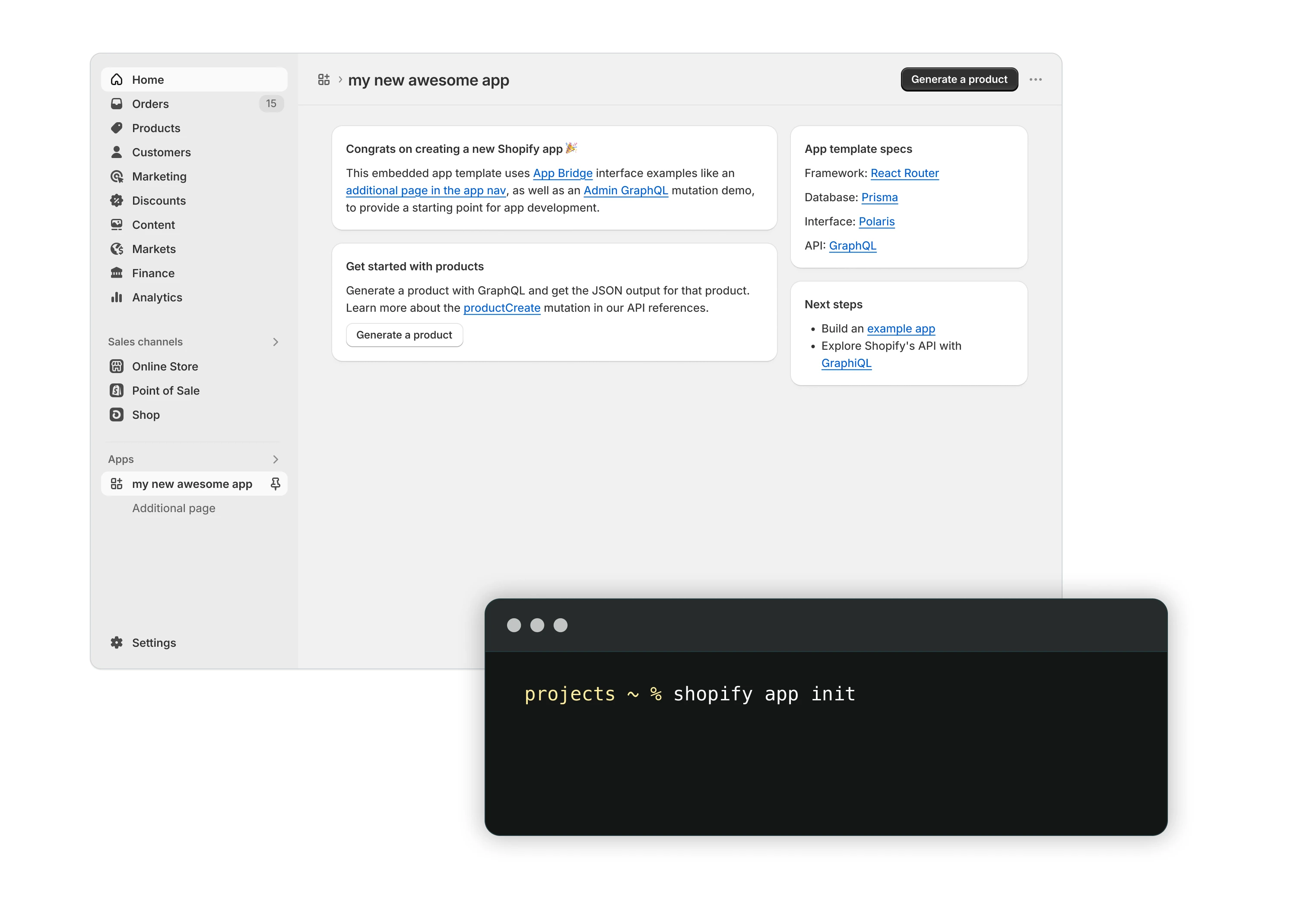
Shopify app example. Trace a stock change between the actual systems you use; this example does not show a completed repair or your stock data.
Screenshot: Shopify. Example screen; yours may look different.What to ask the freelancer to do
- Identify the system that owns the stock count
- Trace one product update across both apps
- Repair matching, location or update code
- Test repeat updates and explain recovery
Questions to ask before hiring
- Which system is allowed to change stock?
- What happens if the same update arrives twice?
- Does the quote include correcting old wrong quantities?
Red flags
- Overwrites the whole catalogue before testing
- Matches products only by a similar name
- Leaves two systems repeatedly replacing each other’s count
Agree what the job includes
- Choose a small sample with one simple item and one size or colour option. Agree the correct starting number and which system may change it. The developer should show where the update stops or first becomes wrong, rather than just reconnecting every app.
- Test the events your business uses. A new sale, a return and a manual warehouse adjustment may follow different paths. Include a failed update and its recovery. Repeating the test must not subtract stock again for the same sale.
- Agree how old missed updates will be handled. Do not run a full catch-up against live stock without an agreed source and a saved copy of current quantities. The handover should explain update timing, error alerts and who owns future product-code changes.
What to send the freelancer
- Share a small redacted example with product code, option, location, expected quantity and update time on both systems.
- List every app allowed to change stock, including supplier feeds and point-of-sale tools.
- Arrange test products and a way to restore their quantities. Agree who approves any bulk update to live stock.
How to check the work is done
- A controlled change reaches the correct product option and location within the agreed update time.
- A repeated message does not repeat the stock change, and a failed update is visible and can be recovered.
- The handover names the stock owner, matching rules, update schedule and any old records still needing review.
What may cost extra
- Warehouse stocktaking and correcting all past stock errors need their own scope.
- Supplier outages, app subscriptions and a new warehouse-system build are not part of a small connection repair.
Sources checked 2026-10-23
Use this guide to agree the work and check the result.
Common questions
Why does stock change back after I edit it?
Another app may be sending its own quantity back to Shopify. Check which systems can write stock and agree which one is the main stock record before making more manual changes.
Can two products use the same SKU?
For reliable matching, give each tracked option a unique code and check the connected app’s rules. Repeated codes can cause incorrect updates or make a feed reject the item.
More help: Source 1
Find help on Fiverr
Ready to hand it over? This freelancer offers help with the job covered in this guide. Look at their work and send them your brief to get a quote.
Awais Shopify
@awais0062 · FiverrShopify stock-system connections
Awais offers Shopify connections to custom inventory systems and other business tools. This fits a confirmed matching or code problem in a custom stock connection. Ask your app’s support team first if an off-the-shelf app has stopped updating.
Before you hire: Agree the stock owner, product matching and location rules. Ask about repeated updates, recovery tests and any separate quote for correcting past quantities.
View service on Fiverr ↗Listing checked 2026-10-23. We have not hired this freelancer or tested their work.
Build my freelancer brief
Answer a few questions to make a clear job description you can send to a freelancer.