 Shopify
Shopify Says Sold Out but You Have Stock?
Find why an available size or colour appears sold out. Separate stock-location settings from a broken product selector before changing the theme.
A product can have stock in the admin and still be unavailable to an online shopper. Stock may belong to a location that does not fill online orders, or the selected size may have no available stock. A theme can also show the wrong availability. Check the exact size and colour first. The total stock shown for a product does not prove every option can be bought.
Things to check first
- Open the exact product option that fails. Check its available stock at each location, rather than relying on the product’s combined total.
- Confirm that the location with stock can fulfil online orders. Stock in a shop-only location may not make the item available online.
- Compare the product page in a safe preview of an unchanged theme. If the same option works there, record which theme or product app controls the live selector.
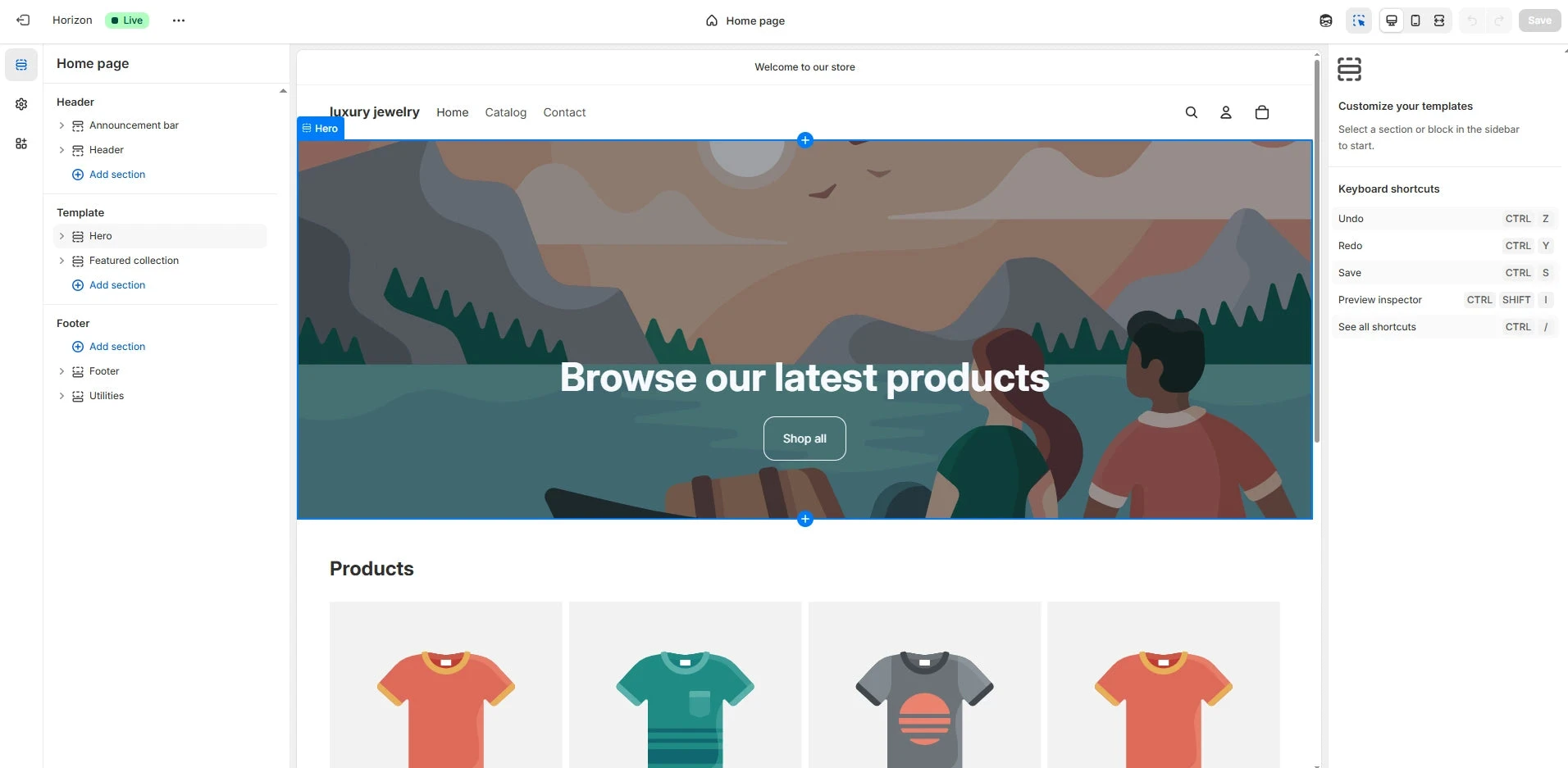
Shopify theme editor example from GemPages. Compare the live product selector with an unchanged theme preview; the editor shown here is a general example.
Screenshot: GemPages. Example screen; yours may look different.What to ask the freelancer to do
- Check the affected size and colour
- Compare stock settings with the live page
- Repair the confirmed product-page fault
- Test available and sold-out options
Questions to ask before hiring
- Is stock missing online or is the selector wrong?
- Will you test every affected product template?
- How will the store keep blocking truly sold-out items?
Red flags
- Turns off stock tracking as the default fix
- Allows overselling without your approval
- Tests only the first product option
Agree what the job includes
- Pick one affected product and list the options that can and cannot be bought. Ask the developer to compare the option selected on the page with the item added to the basket. The right stock count is no help if the page submits a different size.
- Agree whether the work covers native products, a swatch app, bundles or a custom selector. Each can change what shoppers see. Use a duplicate theme for code changes so the current shop remains available during the investigation.
- Keep your real stock policy in place. Allowing sales after stock runs out is a business choice, not a general repair. Ask for a brief explanation of whether the fault came from stock settings, an app update or the product-page code.
What to send the freelancer
- Supply product links, affected option names and screenshots of available stock by location.
- List product-option, bundle and stock apps, along with any recent theme or app update.
- Save the live theme and agree which test products can be changed. Avoid changing real stock counts just to test the button.
How to check the work is done
- A shopper can select and add each agreed in-stock option, and the basket contains the correct item.
- An option with no sellable stock stays unavailable unless you explicitly allow orders for it.
- The page works on a phone, and the handover explains the setting or code that changed.
What may cost extra
- Correcting warehouse counts or moving physical stock is outside a theme repair.
- A new product configurator or full stock-system connection needs a separate brief.
Sources checked 2026-10-23
Use this guide to agree the work and check the result.
Common questions
Should I turn on Continue selling when out of stock?
Use it only if you intend to accept orders without stock. It can hide an availability problem and create orders you cannot fill. Check the location and selected option first.
Why does one size work while another is sold out?
Each size or colour can have its own stock and settings. Compare the exact options, their stock locations and the values sent by the product selector.
More help: Source 1
Find help on Fiverr
Ready to hand it over? This freelancer offers help with the job covered in this guide. Look at their work and send them your brief to get a quote.
A. Bhatti
@bhattibhai86 · FiverrRepair a Shopify product selector
Bhatti offers Shopify theme changes and bug fixes. Consider this service when stock is correct but a custom size or colour selector shows the wrong availability or adds the wrong option.
Before you hire: Ask him to test available and sold-out options, preserve stock tracking and work on a theme copy before changing the live store.
View service on Fiverr ↗Listing checked 2026-10-23. We have not hired this freelancer or tested their work.
Build my freelancer brief
Answer a few questions to make a clear job description you can send to a freelancer.