 Shopify
Shopify Shipping Rates Not Showing at Checkout?
Find out why checkout offers no delivery option. Check the address, products, stock location and shipping rules before changing your rates.
A missing delivery option usually means the basket does not match an available shipping rule. The cause may be the destination, a product’s weight, its shipping group or the location holding the stock. Start with one affected basket and postcode. Keep the exact items and quantities the same while you check each setting, so you can see which change makes a difference.
Things to check first
- Open the affected product and check its weight, shipping group and stock location. A product can have stock at a location that does not fulfil online orders.
- Check that the destination is included in an active market and a shipping zone with a matching rate. Look for gaps between price or weight limits.
- Try one ordinary product on its own, then add the other items. If rates disappear only in a mixed basket, compare the products’ shipping groups and app settings.
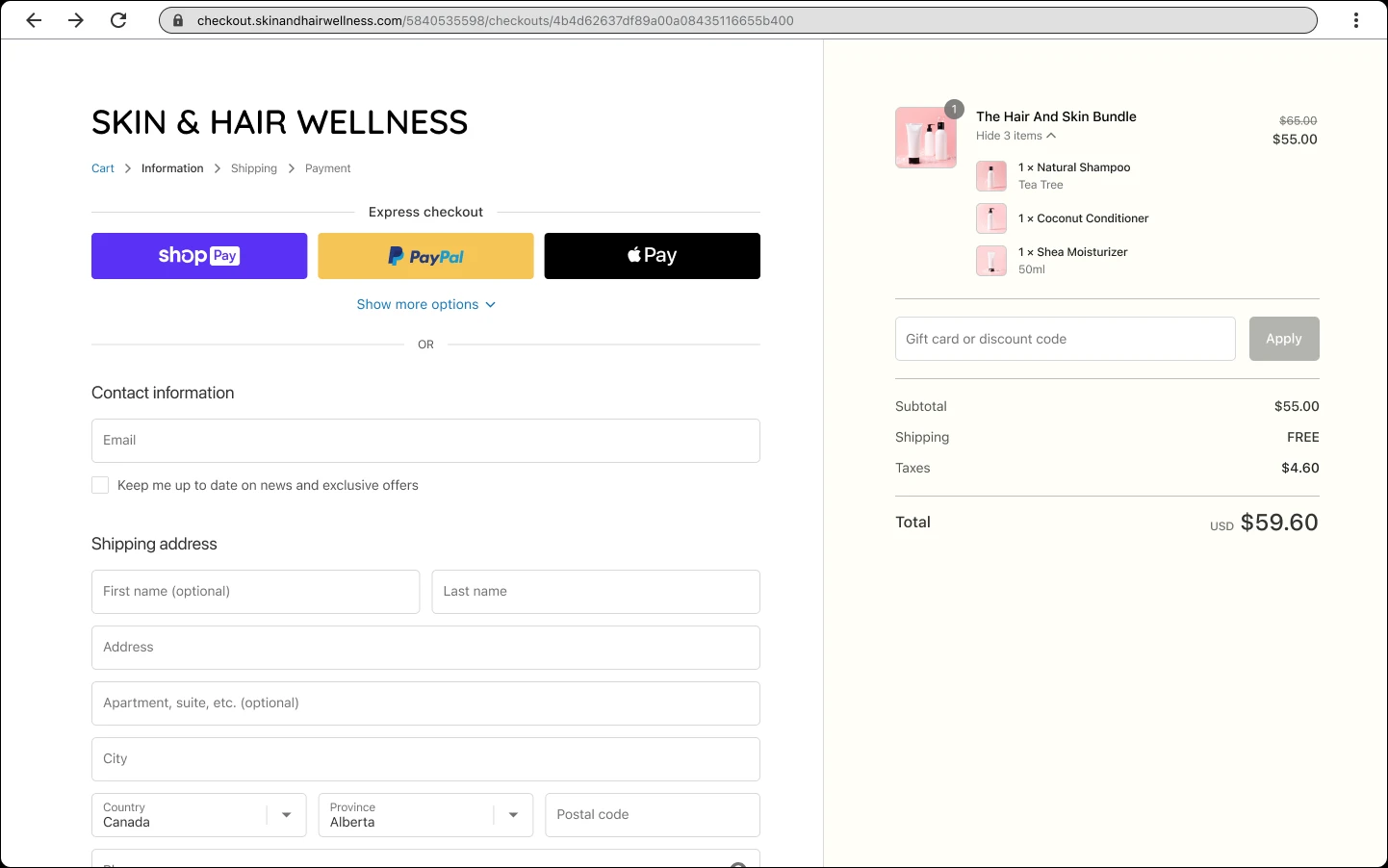
Shopify checkout example. Delivery choices depend on the basket, destination and shipping rules. Use it to identify the step that fails; it is not a screenshot of your store.
Screenshot: Shopify. Example screen; yours may look different.What to ask the freelancer to do
- Reproduce the basket with no delivery option
- Check zones, locations and rate limits
- Fix the confirmed rule or app problem
- Show the delivery tests and changed settings
Questions to ask before hiring
- Which basket and destination cause the fault?
- Does the price cover delivery-app settings?
- How will we check that other delivery prices stay correct?
Red flags
- Adds free shipping everywhere to hide the error
- Changes all product weights without checking them
- Tests only a single local address
Agree what the job includes
- Write down the affected products, quantity, basket value and destination. Ask the specialist to identify the first rule that leaves the basket without a valid rate. A clear explanation matters as much as making the warning disappear.
- Agree which shipping groups, countries and apps are included. Test a basket just below and just above each relevant price or weight limit. Include a mixed basket if products ship from different locations.
- Check the amount customers pay as well as whether a rate appears. A checkout that offers delivery at the wrong price is still a problem. Keep a copy of the old rules so you can undo the change.
What to send the freelancer
- Send a screenshot of the error, test postcode and product links. Use a made-up test customer and keep real addresses out of shared screenshots.
- List delivery apps, carrier accounts, stock locations and any recent changes to markets or shipping groups.
- Agree when settings can change. Save the current rates and tell the specialist which delivery prices must stay the same.
How to check the work is done
- The affected basket offers the agreed delivery choices and prices for a supported address.
- A mixed basket and baskets on either side of the rate limits behave as agreed.
- An unsupported address still shows a clear message, and the handover lists every changed rule.
What may cost extra
- Carrier outages, account approval and negotiated carrier prices are outside a settings repair.
- Adding new countries, local delivery routes or a new shipping app needs a separate quote.
Sources checked 2026-10-23
Use this guide to agree the work and check the result.
Common questions
Why does Shopify say an order cannot be shipped to the address?
The basket may not match a rate for that destination. Check the market, zone, product shipping group and stock location. The message alone does not show which setting is wrong.
Should I add free shipping to make checkout work?
Only if free shipping is the offer you want. First find the missing or conflicting rule. A broad free rate can hide the fault and leave you paying unexpected delivery costs.
More help: Source 1
Find help on Fiverr
Ready to hand it over? This freelancer offers help with the job covered in this guide. Look at their work and send them your brief to get a quote.
A. Bhatti
@bhattibhai86 · FiverrShopify shipping and checkout help
Bhatti’s Shopify development listing includes shipping setup, store bugs and custom features. If the first checks point to settings or app code you cannot safely change, send him the affected basket and ask for a repair quote.
Before you hire: Confirm shipping groups, countries and apps covered. Ask for tests of the delivery amount as well as whether a rate appears.
View service on Fiverr ↗Listing checked 2026-10-23. We have not hired this freelancer or tested their work.
Build my freelancer brief
Answer a few questions to make a clear job description you can send to a freelancer.