Build a Looker Studio Dashboard You Can Trust
Choose the questions, data sources and access rules for a dashboard, then check its totals before sharing it.
A dashboard should answer a few business questions, not just fill a screen with charts. Start with the decisions you need to make and where the numbers come from. Google’s current documentation calls Looker Studio Data Studio; many people still search for the old name. This guide covers that reporting tool, not the separate enterprise Looker product.
Things to check first
- List the questions the report should answer, such as which campaigns bring qualified leads or which products sell. Agree a definition for each measure.
- Check the source accounts, date ranges, time zones and currencies. Choose one small period whose totals you can verify.
- Decide who will view and edit the report, and whose credentials will allow it to read the underlying data.
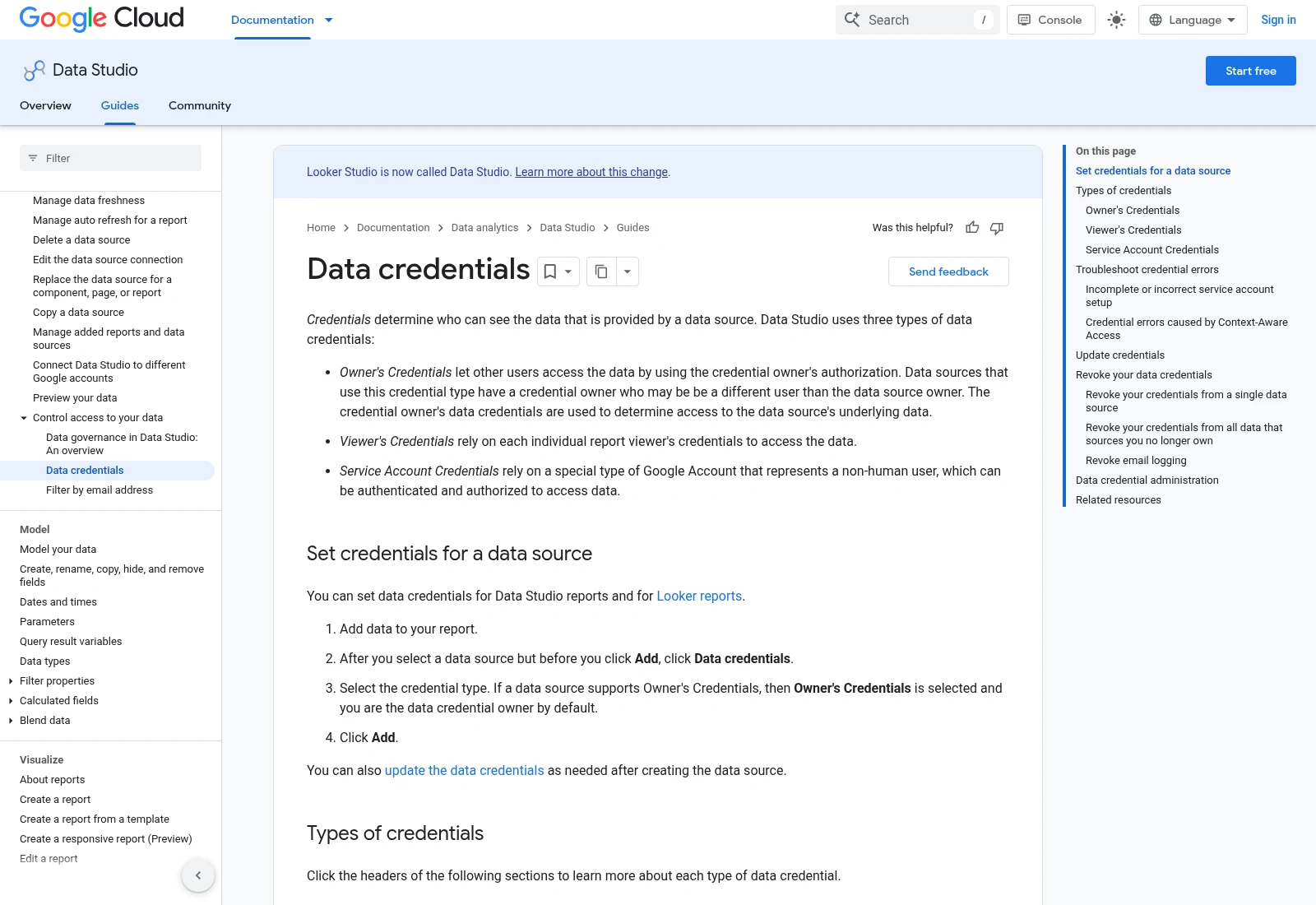
Google’s current Data Studio documentation explains data credentials. The page also notes the change from the Looker Studio name. Check sharing access before publishing a report.
Documentation screenshot: Data credentials | Data Studio | Google Cloud Documentation. Example screen; yours may look different.Check the numbers before the design
A report can look right while mixing incompatible fields. Agree how sales, refunds, leads and costs are counted. When several sources are joined, check that one-to-many matches do not multiply totals.
Compare the dashboard with each source for the same dates and filters. Explain any known difference, such as reporting delay or a different definition of a conversion. A chart matching one headline number does not prove every filter works.
Share access deliberately
Owner’s credentials can let viewers see data through the report even when they do not have direct access to the source. Viewer’s credentials require the viewer to have the relevant source access. Choose the right option for the audience before sharing.
A refresh button does not fix a broken source connection. Data freshness depends on the connector and its settings. Include a visible date range, explain expected delays and agree who will reconnect the source if permissions change.
What to ask the freelancer to do
- Agree the questions and report measures
- Build the agreed dashboard pages and filters
- Check source totals, sharing and handover
Questions to ask before hiring
- Which sources and report pages does the price cover?
- How will you check that joined data does not inflate totals?
- Whose credentials will viewers use to see the data?
Red flags
- Builds charts before agreeing what the numbers mean
- Shares owner credentials without explaining the access effect
- Hides paid connector costs or refresh limits
Agree what the job includes
- Agree the questions, sources, measures, pages and filters in the report.
- Build the dashboard and compare representative figures with the source accounts.
- Test viewer access and hand over ownership, connector costs and refresh notes.
What to send the freelancer
- Supply read-only source access where possible and a sample period with known totals.
- List the people who need viewing or editing access and any data they must not see.
- Agree paid connectors, report page limits and who owns the finished report.
How to check the work is done
- Agreed figures match the defined source totals or have a clear, checked explanation for differences.
- Filters and date controls work, and a real intended viewer can access only the agreed data.
- The business has ownership, source details, cost notes and instructions for reconnecting data.
What may cost extra
- Cleaning all historic source data and buying paid connectors are separate costs.
- Enterprise Looker modeling and a new data warehouse are different projects.
Sources checked 2026-10-24
- Data credentials | Data Studio | Google Cloud Documentation
- Manage data freshness | Data Studio | Google Cloud Documentation
Use this guide to agree the work and check the result.
Common questions
Why do dashboard totals differ from GA4 or an ad platform?
Check dates, time zones, filters, metric definitions and refresh delays first. A joined data source can also multiply rows if the matching keys are wrong.
Is this the same as enterprise Looker?
No. This guide covers the reporting tool commonly searched as Looker Studio, now called Data Studio in Google’s current documentation. Enterprise Looker work needs a different scope.
Find help on Fiverr
Ready to hand it over? This freelancer offers help with the job covered in this guide. Look at their work and send them your brief to get a quote.
Ozon Digital
@ozon_digital · FiverrLooker Studio / Data Studio dashboard
The listing covers reporting dashboards using sources such as GA4, Search Console and Sheets. Pages and sources vary by package.
Listing checked October 24, 2026: 35 reviews, 5.0/5 displayed. A visible review was recent; several others were older. Confirm current availability and connector support.
Before you hire: Agree data access, source checks, report ownership and paid connector costs. This is not a quote for enterprise Looker development.
View service on Fiverr ↗Listing checked 2026-10-24. We have not hired this freelancer or tested their work.
Build my freelancer brief
Answer a few questions to make a clear job description you can send to a freelancer.