Automate Google Sheets Without Breaking the Working File
Choose a repeat task, protect the working spreadsheet and test what happens when rows are missing, changed or processed twice.
A spreadsheet automation can save hours of copying, sorting or sending updates. It can also overwrite good data very quickly. Choose one repeat task first. Write down what should start it, which rows it may change and what a finished row looks like. Use a copy of the file while the rules are being worked out.
Things to check first
- Make a safe copy and list the tabs, columns, formulas and protected areas the automation must keep.
- Decide what starts the task: a button, a form, a schedule or an edit. Not every change made by another script will trigger an edit rule.
- Check whose account will run it and who will own that account after handover. Apps Script installable triggers run as their creator.
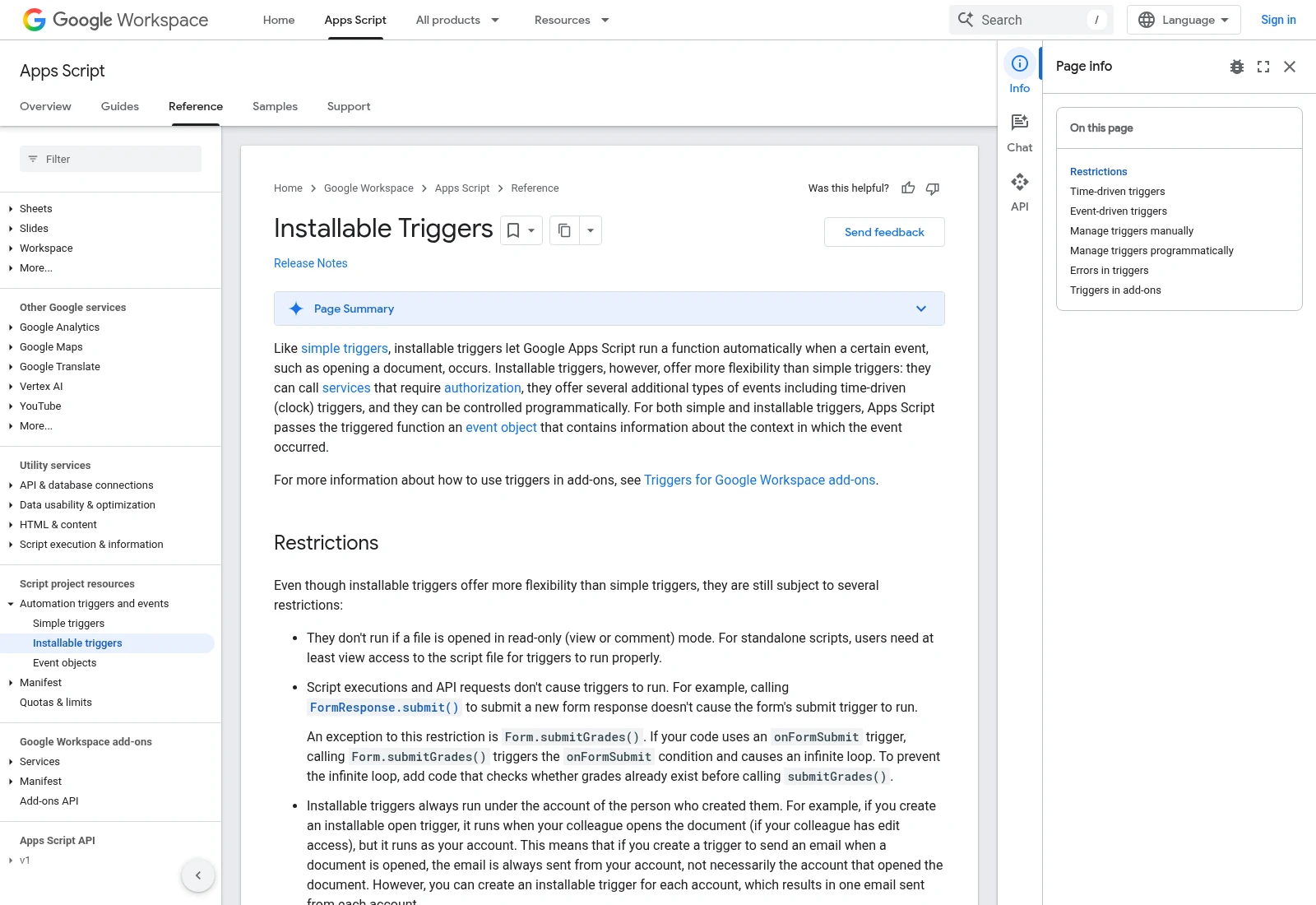
Google’s Apps Script documentation explains installable triggers and their restrictions. Test ownership and permissions in your own setup.
Documentation screenshot: Installable Triggers | Apps Script | Google for Developers. Example screen; yours may look different.Give each row a clear state
Use a stable ID where the task needs to find an existing record. Row numbers can change when someone sorts or inserts data. Agree how the script marks a row as ready, completed or needing attention.
Test blanks, duplicate IDs and an item already processed. If the task sends an email or creates a record in another app, a repeated run should not repeat that action without a clear reason. Keep test messages away from real customers.
Plan for limits and the next owner
Apps Script has usage and execution limits that vary by account and can change. A small test file does not prove the same script will process a large file in one run. Ask how it stops safely and where it records incomplete work.
Keep API keys out of shared cells and visible code where possible. Agree who can edit the script, how errors are reported and how the business can turn it off. Check the seller’s code-use terms before assuming you own exclusive rights.
What to ask the freelancer to do
- Define one repeat spreadsheet task
- Build it safely in a copy of the file
- Test bad rows, repeat runs and account ownership
Questions to ask before hiring
- What happens if the same rows are processed twice?
- Who will own the triggers and receive errors after handover?
- What commercial use, reuse and code ownership rights are included?
Red flags
- Tests only a tiny perfect sample
- Stores secrets in a shared spreadsheet cell
- Leaves the only working trigger under an account you cannot manage
Agree what the job includes
- Define one repeat task, its input columns, output columns and start rule.
- Build the agreed script or formulas in a copy, with clear handling for bad rows and repeated runs.
- Test the agreed file size and hand over access, trigger ownership, error checks and stop steps.
What to send the freelancer
- Provide a made-up sample with the same columns and a few examples of expected results.
- List formulas, protected tabs, connected apps and the rough daily row volume.
- Agree account permissions, code-use rights and who receives failure notices.
How to check the work is done
- Normal, missing-field and repeated-run tests produce the agreed results without damaging protected data.
- The task runs under the intended account and reports failed or incomplete work clearly.
- The business can maintain, pause and restart it using the supplied notes and agreed code-use rights.
What may cost extra
- Excel VBA is a different setup from Google Sheets and Apps Script. Confirm the platform before ordering.
- Paid API access, historical data cleanup and exclusive ownership rights need explicit agreement.
Sources checked 2026-10-24
- Installable Triggers | Apps Script | Google for Developers
- Quotas for Google Services | Apps Script | Google for Developers
Use this guide to agree the work and check the result.
Common questions
Why does the automation work for the freelancer but not for me?
Check account permissions and trigger ownership. An installable trigger runs with its creator’s access, so handover needs more than sharing the file.
Can this guide be used for Excel macros?
The planning checks may help, but the recommended service and technical guidance here are for Google Sheets and Apps Script. Excel VBA needs a separate quote.
Find help on Fiverr
Ready to hand it over? This freelancer offers help with the job covered in this guide. Look at their work and send them your brief to get a quote.
Josh P
@jporter78 · FiverrGoogle Sheets and Apps Script automation
This listing covers Google Sheets and Apps Script, including connected Google apps. It is not an Excel VBA recommendation.
Listing checked October 24, 2026: 43 reviews, 5.0/5 displayed. Visible reviews included Apps Script and repeat delivery work from several months ago. Confirm current availability.
Before you hire: Confirm trigger ownership and code-use rights. The listing allows commercial use but limits resale or redistribution and reserves seller reuse; do not assume exclusive ownership.
View service on Fiverr ↗Listing checked 2026-10-24. We have not hired this freelancer or tested their work.
Build my freelancer brief
Answer a few questions to make a clear job description you can send to a freelancer.