 Shopify
Shopify Contact Form Not Sending Emails?
Check whether the form submits, where the message goes and whether the inbox filters it. Find the right repair without replacing a working form.
Follow one message from the form to the receiving inbox. First check that the page really contains a working form, then confirm the destination address. A success message on the page does not prove the email arrived. Shopify’s built-in contact form sends submissions to the store’s sender email address. An app-built form may use a different inbox or save entries inside the app.
Things to check first
- Open the live contact page and send a short, harmless test with an address you control. Note the time, success message and any visible error.
- Check whether the page uses Shopify’s contact template or a separate form app. Look in that app’s entries before assuming the message was lost.
- For the built-in form, check the sender email address in notification settings, then its junk folder and mailbox filters. Check any forwarding destination as well.
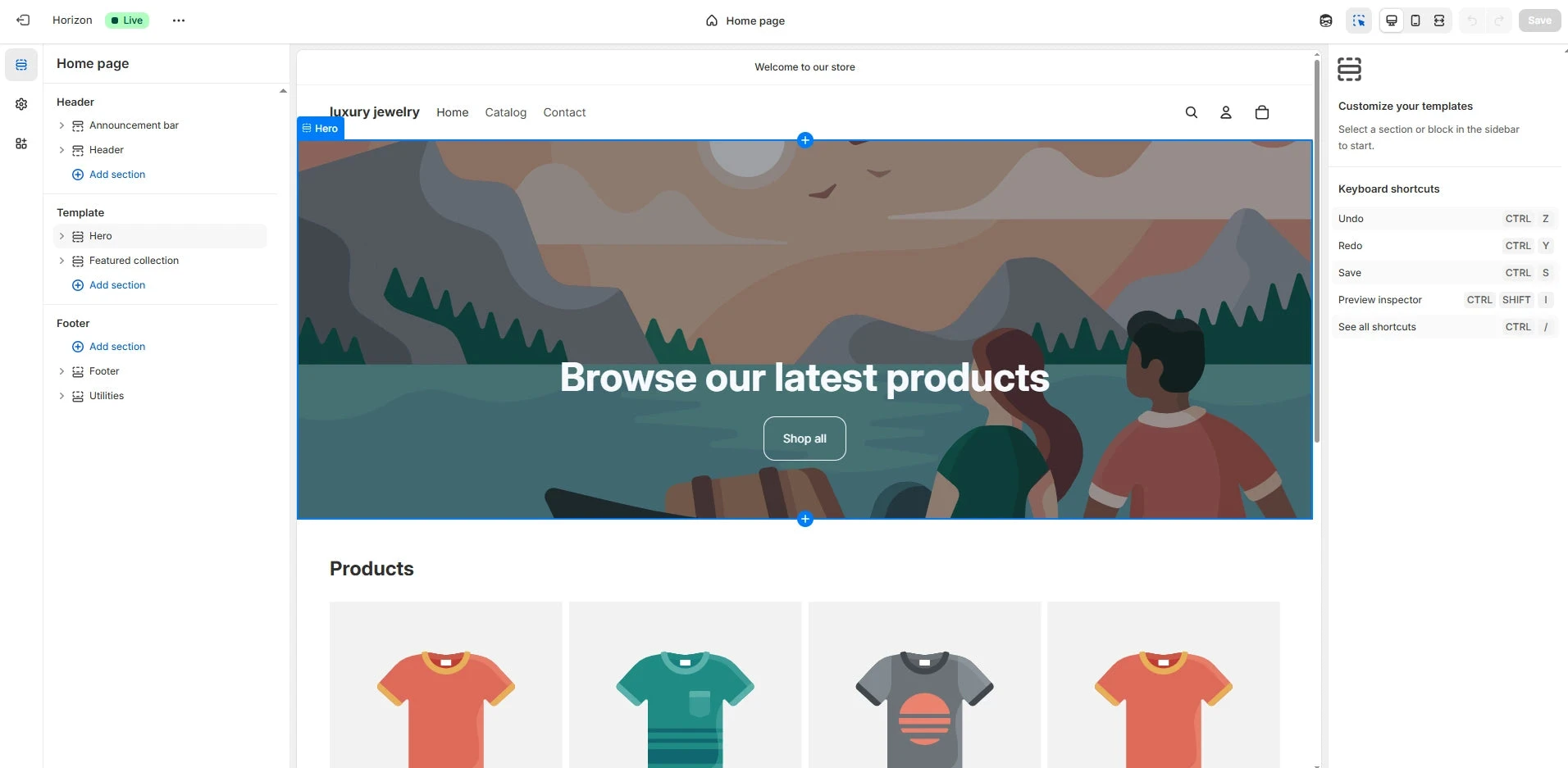
Shopify theme editor example from GemPages. Identify whether your contact page uses the built-in template or an app before changing the form.
Screenshot: GemPages. Example screen; yours may look different.What to ask the freelancer to do
- Test the live form and receiving address
- Find whether the fault is in code or delivery
- Repair the agreed form or app issue
- Show successful and failed submission tests
Questions to ask before hiring
- Is the message missing from the app or only the inbox?
- Will custom fields still be included in the email?
- How will spam protection be kept working?
Red flags
- Replaces the form before checking its destination
- Removes spam checks to make one test work
- Tests the button without checking the received message
Agree what the job includes
- Name the page and write down what a visitor should be able to send. Ask the developer to check the form action, required fields and success message. A button that looks correct can still point to the wrong destination or fail after a theme change.
- Test a normal enquiry, an invalid email address and a missing required field. If there is an attachment or a special field, agree whether the current form supports it. Do not promise a feature just because a box has been added to the page.
- Check the finished message in the intended inbox. The reply address and field labels should be useful to your team. Keep the customer-facing error clear so a visitor knows whether to retry. Any app replacement should be agreed with its monthly fee and data storage explained.
What to send the freelancer
- Send the page link, form app name if any, and the time of a test message. Redact real enquiries.
- List recent theme edits and mailbox changes. Give the developer a test address rather than access to all customer email.
- Save the current theme or form settings, and agree who will watch the inbox while tests are sent.
How to check the work is done
- A valid phone and desktop submission reaches the agreed inbox or app with all required fields.
- Invalid entries get a clear error, and a successful submission gets a clear confirmation.
- Spam protection remains in place, and the handover explains the destination, changes and any app fee.
What may cost extra
- Building a sales CRM or moving past enquiries needs a separate scope.
- Advanced uploads and custom app storage may need a paid form tool or extra development.
Sources checked 2026-10-23
Use this guide to agree the work and check the result.
Common questions
Where do Shopify contact form messages go?
The built-in form delivers to your sender email address in notification settings. A form app can use its own settings, so first identify which form the page actually uses.
The form says sent. Why is nothing in my inbox?
Check the destination, junk folder, forwarding rules and any form-app entry list. The page confirmation alone does not establish whether the receiving mailbox accepted the message.
More help: Source 1
Find help on Fiverr
Ready to hand it over? This freelancer offers help with the job covered in this guide. Look at their work and send them your brief to get a quote.
A. Bhatti
@bhattibhai86 · FiverrShopify form and theme-code repairs
Bhatti offers Shopify custom coding and theme bug fixes. If your contact form fails to submit or custom fields break it, send the page and test result to ask whether his repair service covers the fault.
Before you hire: Agree phone and desktop submission tests, required fields and confirmation messages. An inbox delivery problem may need separate email help.
View service on Fiverr ↗Listing checked 2026-10-23. We have not hired this freelancer or tested their work.
Build my freelancer brief
Answer a few questions to make a clear job description you can send to a freelancer.