 Shopify
Shopify Order Confirmation Emails Not Sending?
Work out whether the order email was never sent, went to the wrong address or was filtered by the inbox. Keep customer emails separate from staff alerts.
First identify who is missing the email: the shopper or your team. Customer order confirmations and staff order alerts have different settings. Next check one recent order with a known test address. A missing inbox message does not prove Shopify failed to send it. The address may be wrong, a mailbox may filter it, or the store’s sending domain may need checking.
Things to check first
- Open the test order and confirm the contact address and order history. Check whether an email was sent and avoid repeatedly resending confirmations to a real shopper.
- Check the recipient’s junk folder, mailbox rules and blocked senders. Test an address you control with another email provider to compare results.
- Review the sender address in notification settings and any domain warnings Shopify shows. Do not confuse the store contact address with the address used to send customer notifications.
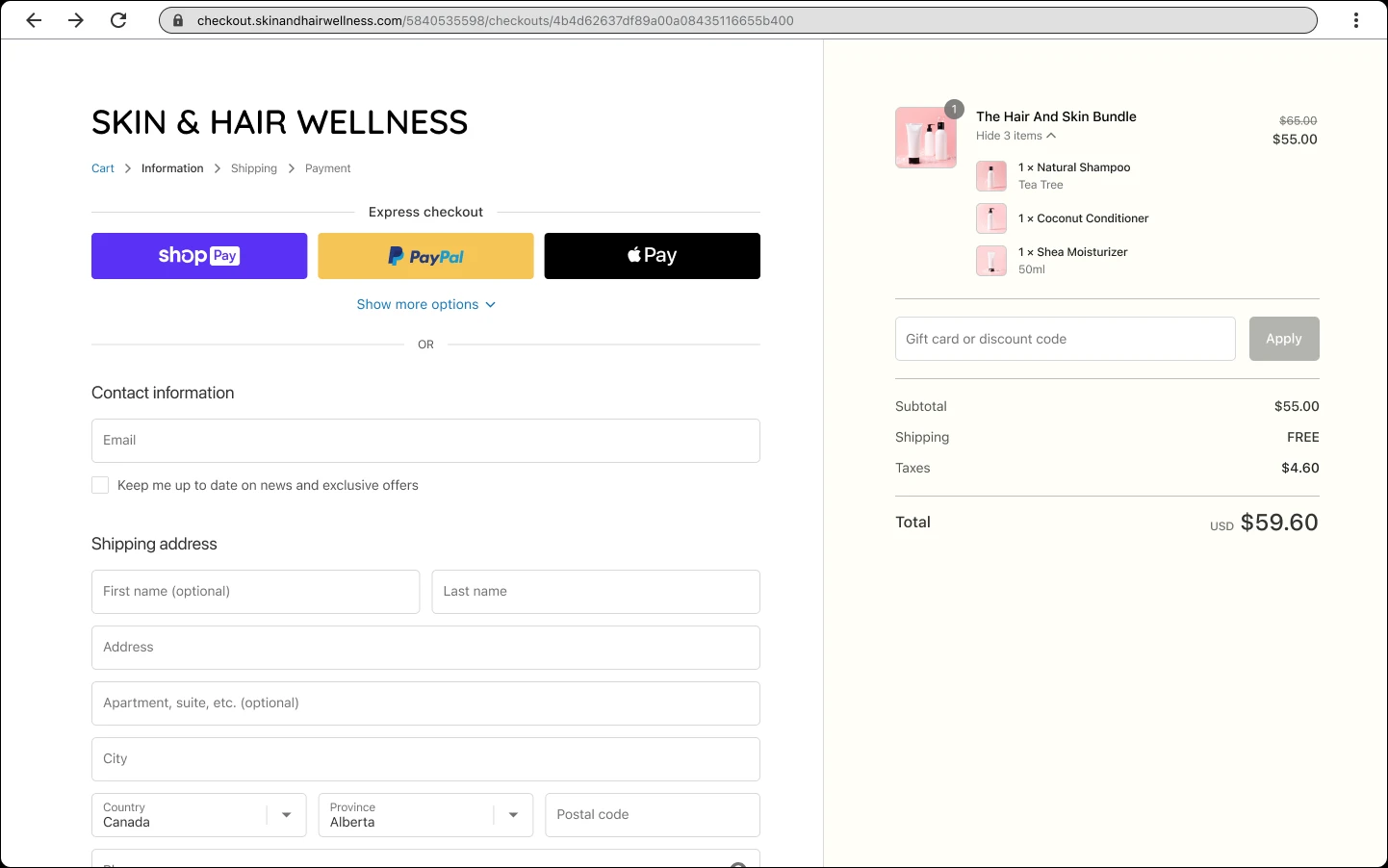
Shopify checkout example. A completed checkout and a received email are separate steps. Follow a test order through both.
Screenshot: Shopify. Example screen; yours may look different.What to ask the freelancer to do
- Trace one order confirmation to its destination
- Separate sending, template and mailbox problems
- Repair the agreed sender-domain or template fault
- Record test results without exposing customer data
Questions to ask before hiring
- Was the message sent or only missing from the inbox?
- Is this customer email or a staff order alert?
- Does the quote cover domain records, templates or both?
Red flags
- Promises every message will land in the main inbox
- Changes domain email records without checking other senders
- Sends repeated test orders to real customers
Agree what the job includes
- Agree which message is affected and what counts as a successful test. A customer confirmation, a shipping update and a staff alert are separate messages. Use a test order and addresses you control so the investigation does not confuse customers or create extra fulfilment work.
- If the sending domain is the cause, ask the specialist to review the existing records before adding anything. Your domain may also send through an office mailbox or marketing service. The repair must preserve those services instead of replacing their settings blindly.
- Keep a record of the sender, receiving mailbox, send time and result for each test. A successful one-off test cannot guarantee every future inbox decision. The handover should identify the confirmed fault, what changed and which remaining issue needs Shopify or mailbox support.
What to send the freelancer
- Provide the notification type, a test order number and a redacted copy of any delivery error.
- List your domain host, office email provider and marketing senders. Share access through the proper account permissions rather than a public brief.
- Save any edited email template and agree whether tests can create draft or test orders. Tell the team not to fulfil them.
How to check the work is done
- The agreed test order sends the right confirmation to the intended test address, with correct order details and links.
- The sending-domain check passes where relevant, and other agreed business email still works.
- The handover separates completed fixes from inbox or platform issues that remain outside the specialist’s control.
What may cost extra
- Restoring old customer mailboxes or rewriting a complete marketing sequence is separate work.
- No repair can promise placement in every customer’s main inbox or lift an email provider’s restriction.
Sources checked 2026-10-23
Use this guide to agree the work and check the result.
Common questions
Why do I receive order alerts but customers do not?
Staff alerts and customer confirmations use different settings and recipients. Check the affected customer message on a test order instead of assuming the staff alert proves it worked.
Will fixing DMARC solve every missing order email?
No. DMARC is part of checking the sending domain. It does not fix a wrong address, a broken template or a message Shopify never sent. Confirm the cause before paying for domain work.
More help: Source 1
Find help on Fiverr
Ready to hand it over? This freelancer offers help with the job covered in this guide. Look at their work and send them your brief to get a quote.
Nouman
@nouman__ · FiverrShopify sending-domain checks
Nouman offers DMARC setup for Shopify domains: an email record that helps receiving inboxes check who sent a message. This is a targeted option if your checks confirm that the sending domain needs work. It is not a general repair for every missing order confirmation.
Before you hire: Ask him to review existing records and preserve your other email senders. Ask whether checks of the other email records are included; the listed packages describe DMARC setup.
View service on Fiverr ↗Listing checked 2026-10-23. We have not hired this freelancer or tested their work.
Build my freelancer brief
Answer a few questions to make a clear job description you can send to a freelancer.