 Shopify
Shopify Products Disapproved in Google Merchant Center?
Read the exact product issue, compare the feed with your store and fix the affected details. Separate product errors from an account-level restriction.
Start with the issue shown for one affected product in Merchant Center, Google’s product-listing tool. Missing product details, conflicting prices or delivery information can need different fixes. An account restriction is a separate problem. Do not edit the whole catalogue or open another account just because a few products are rejected. Save the current issue text and compare it with the product’s live page.
Things to check first
- Open the Google and YouTube channel in Shopify and confirm which Merchant Center account is connected. Check the affected product’s latest status and error.
- Compare the product page with the information sent to Google: price, stock, product options and any identifiers the product needs. Use genuine supplier identifiers, not invented codes.
- Check store requirements such as a working checkout, visible contact details and delivery and return information. Product errors and account-wide notices should be listed separately.
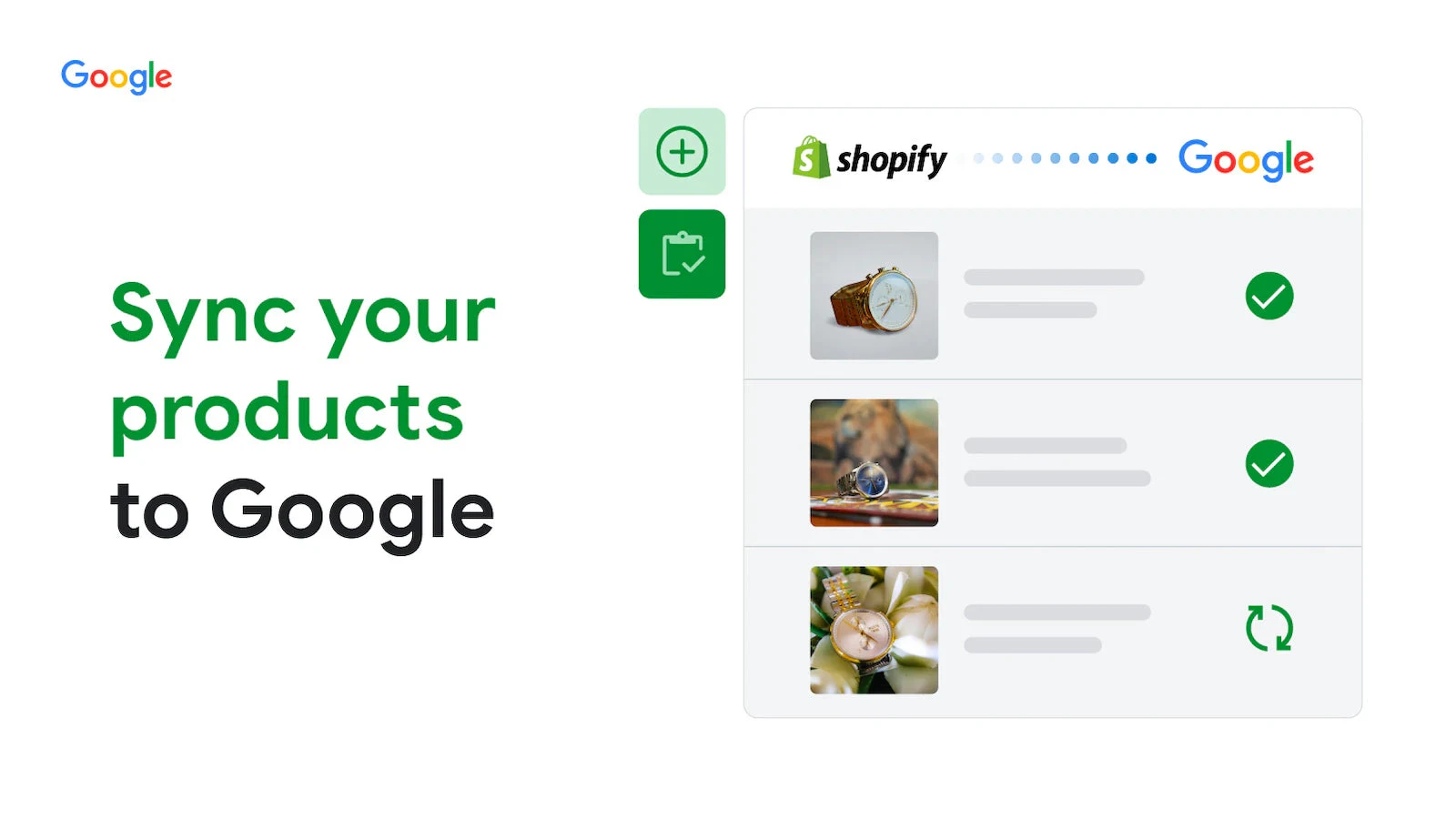
Example from the official Google and YouTube app listing. Check the product status and the submitted information in your own connected account. This is an example, not proof of Google approval.
Vendor illustration: Google / Shopify App Store. Vendor example.What to ask the freelancer to do
- List the exact issues for affected products
- Compare submitted details with live pages
- Fix the agreed feed or product mapping
- Check the next update and document remaining issues
Questions to ask before hiring
- Is this a product error or an account restriction?
- Which product count and feed source does the quote cover?
- Can you quote for feed work without starting paid ads?
Red flags
- Guarantees account approval or a fixed sales result
- Invents barcodes or hides policy problems
- Adds a second feed without checking the existing one
Agree what the job includes
- Agree a small sample of affected products, including a product with size or colour options. Ask the specialist to identify which app or channel supplies each field. Fixing Shopify alone will not help if another feed keeps overwriting the correct information.
- Write down the product count and issue types included in the quote. A product-data correction, a policy review and paid advertising are different jobs. If the listing bundles campaigns with feed work, ask for a separate feed-only offer and keep ad spend outside the order.
- After changing the data, inspect the next submitted version and record its status. Some updates need processing time. The handover should show the changes and any unresolved notice, rather than treating a submitted review request as proof that Google accepted the products.
What to send the freelancer
- Share the issue text, affected product IDs, store links and connected feed app. Hide customer and billing information.
- List the countries and currencies you sell in, plus any separate feed or marketplace app.
- Keep a copy of the current product data and agree access to the correct Shopify and Merchant Center accounts.
How to check the work is done
- The agreed product fields match the live store and the next feed update contains the corrected values.
- Remaining product and account notices are listed separately, with a clear next action and owner.
- The handover records the feed source, changed fields and review status without claiming unconfirmed Google approval.
What may cost extra
- Google account appeals, policy advice and new advertising campaigns need a separate agreed scope.
- Google’s review decisions, processing time and future ad performance are outside the specialist’s control.
Sources checked 2026-10-23
Use this guide to agree the work and check the result.
Common questions
Will fixing the feed guarantee Google approval?
No. A specialist can correct product information and supported technical faults. Google makes its own review decisions, and account notices may require a different support process.
Is this the same as Shopify SEO?
No. This guide covers product information sent to Merchant Center for shopping listings. The Shopify SEO guide covers how ordinary store pages are found and indexed in web search.
More help: Source 1
Find help on Fiverr
Ready to hand it over? This freelancer offers help with the job covered in this guide. Look at their work and send them your brief to get a quote.
Ali
@abdulrauf93 · FiverrShopify product feed setup and fixes
Ali offers Shopify product feeds, Merchant Center setup and checks of product details. His listing also includes advertising work. Ask for a feed-only quote if your goal is to repair the product information.
Before you hire: Confirm the product count and exact feed errors covered. The basic package centres on a campaign; agree the feed work separately and keep paid ads outside the order unless you want them.
View service on Fiverr ↗Listing checked 2026-10-23. We have not hired this freelancer or tested their work.
Build my freelancer brief
Answer a few questions to make a clear job description you can send to a freelancer.