 Shopify
How to Set Up Subscriptions on Shopify
Plan recurring Shopify orders, choose the right app and test what customers see when they subscribe, renew or cancel.
A subscription is more than a recurring price beside the Buy button. Customers need to know when they will pay, what they will receive and how to manage the next order. Start with one product and one simple plan, such as a coffee bag sent each month. Decide whether shoppers can buy it once as well. Then choose an app that supports those rules and works with your payment provider and theme.
Things to check first
- Write down the product, price, delivery schedule and cancellation rules. Separate a physical delivery from a membership that gives access to content.
- Check your chosen subscription app’s current payment and theme requirements. An app being available does not prove it suits your store.
- Look at the product template and customer account pages. Plan where the subscription choice and management link should appear before editing the live theme.
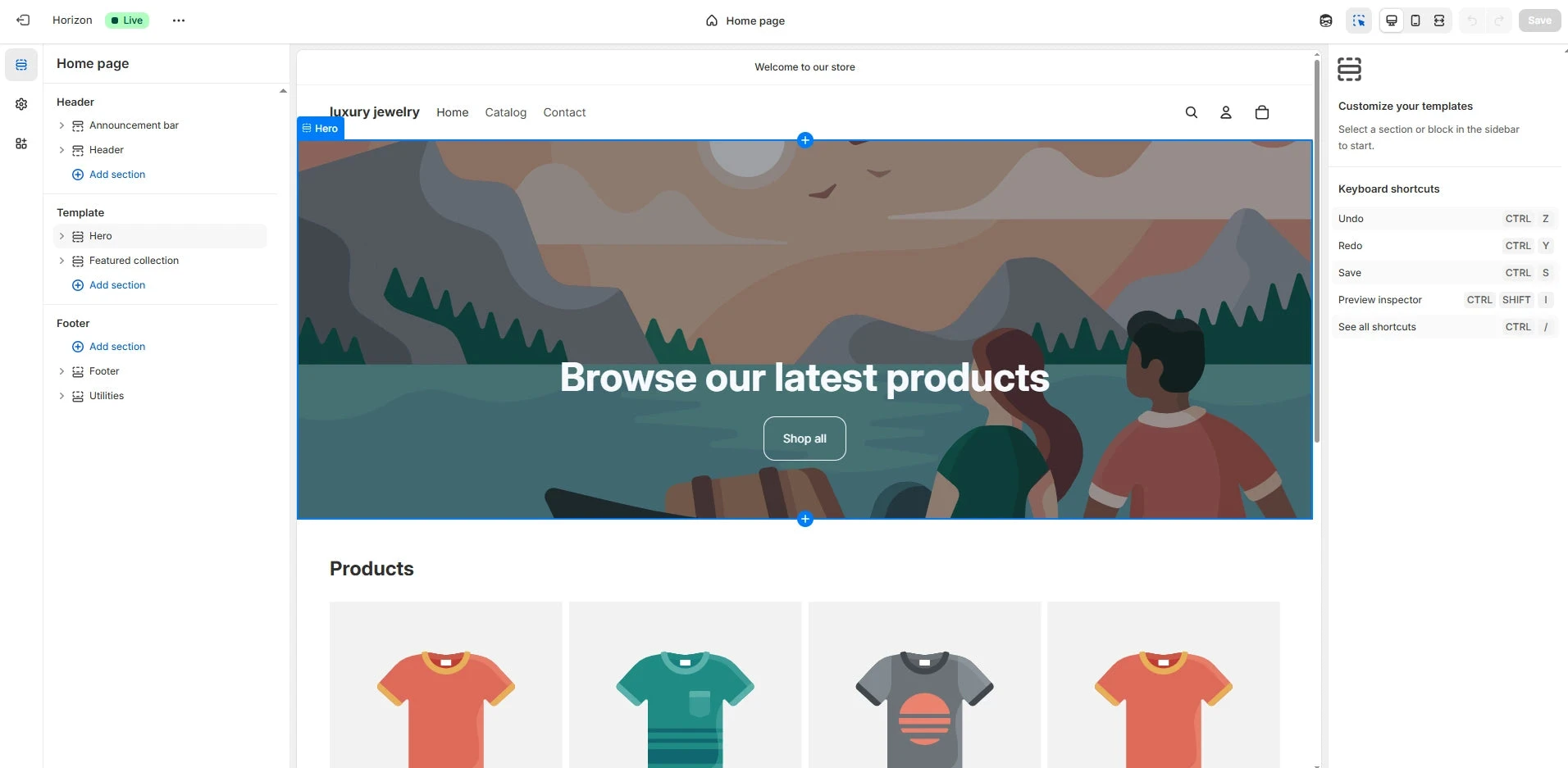
The Shopify theme editor is where an app’s subscription option may need to be placed on a product page. This example does not show a configured subscription widget.
Screenshot: GemPages. Example screen; yours may look different.What to ask the freelancer to do
- Configure the agreed subscription plans
- Add clear product purchase choices
- Set up customer management links
- Test first orders and renewals
Questions to ask before hiring
- Which payment methods support this plan?
- How will we test a renewal safely?
- Can customers manage or cancel their plan?
Red flags
- Tests only the first purchase
- Hides the recurring amount
- Promises every payment method will support renewals
Agree what the job includes
- Agree the app, number of products and billing plans before work starts. Ask which features require a paid plan or extra code.
- Test the full customer experience: first purchase, account access, a renewal and a cancellation. Use the app’s supported test process; do not create surprise live charges.
- Make the recurring cost and schedule easy to see. Your business supplies and approves its subscription terms; the developer implements them.
What to send the freelancer
- Send a sample product, the plan rules and the theme name. Include examples of the wording customers should see.
- List existing subscriptions and apps. Moving active customers is a separate project because billing details and future orders need careful handling.
- Agree who pays for the app and test orders, who can publish changes and who will answer customer billing questions.
How to check the work is done
- The product page and checkout show the agreed recurring price and frequency without hiding the one-time option, if offered.
- A test customer can find and use the agreed management options. A renewal and cancellation follow the rules you approved.
- The handover explains app costs, changed templates and how staff should deal with a failed renewal.
What may cost extra
- Moving active subscriptions between apps and writing legal terms are separate tasks.
- Custom billing rules, membership access and ongoing customer support are extra unless included.
Sources checked 23 October 2026
Use this guide to agree the work and check the result.
Common questions
Do I need a custom Shopify app to sell subscriptions?
Not necessarily. Start by checking whether an existing subscription app covers the products and rules you need. Custom development should solve a named gap.
Can I offer one-time and subscription purchases together?
Shopify supports products with both choices when the subscription app and setup support them. Check how both options appear on your actual product template before launch.
Find help on Fiverr
Ready to hand it over? This freelancer offers help with the job covered in this guide. Look at their work and send them your brief to get a quote.
Funmi D
@funmidammy · FiverrSet up Shopify subscriptions
Funmi offers subscription setup with apps such as Recharge, Appstle, Bold, Loop and Seal. The listing includes recurring products, billing settings and the customer page for managing subscriptions. Ask which app fits your store before buying one.
Before you hire: Confirm app fees, supported payments and the number of products. Ask for tests of the first order, a renewal and a cancellation.
View service on Fiverr ↗Listing checked 2026-10-23. We have not hired this freelancer or tested their work.
Build my freelancer brief
Answer a few questions to make a clear job description you can send to a freelancer.