 WordPress
 WooCommerce
How to Move WordPress to a New Host Safely
Plan a WordPress hosting move, protect recent changes and test forms, images and logins before switching the live site.
A hosting move keeps the site in WordPress but changes where it runs. It is different from rebuilding it in another system. Copying the homepage is not enough: the database, uploads, plugins and theme all matter. A busy shop also keeps changing while the copy is made. If a new order lands on the old site after the copy, someone must account for it before the switch. Ask for a move plan with a clear final copy, test window and route back.
Things to check first
- Ask whether your new host includes a migration service and what it covers. Check email hosting separately; it may share the same provider without being part of the website move.
- Make a full backup of site files and database and confirm it can be restored. A WordPress content export is not a full copy of the site.
- List forms, accounts, payments and other features that must work. Note whether the domain will stay the same or change too.
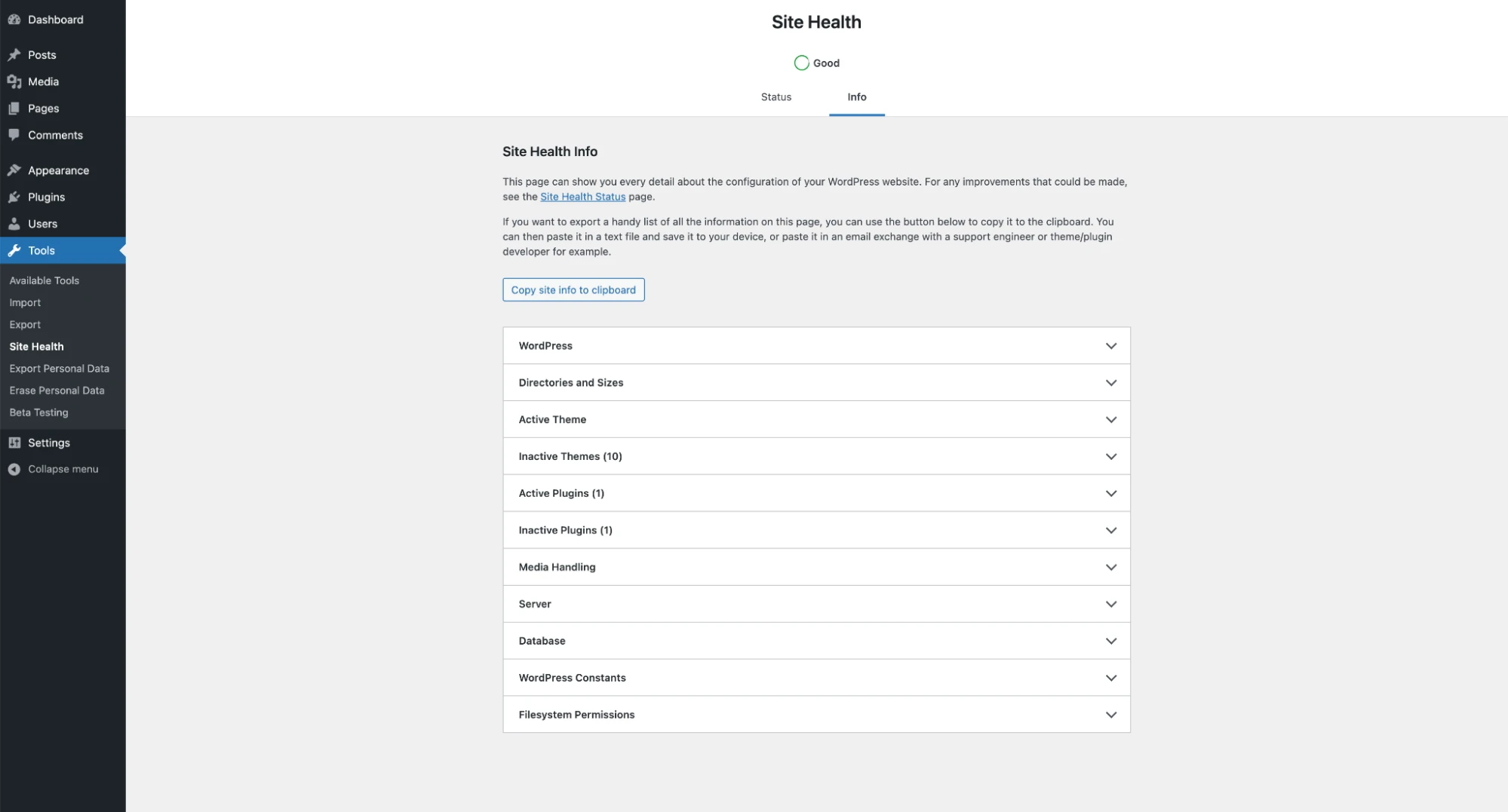
WordPress Site Health can help compare the old and new setup. This example is not a hosting migration report; forms, media and orders still need their own tests.
Screenshot: WordPress. Example screen; yours may look different.What to ask the freelancer to do
- Back up and copy files and database
- Test the new host before switching
- Plan the final copy and domain change
- Check records and provide restore notes
Questions to ask before hiring
- How will you protect orders received during the move?
- Will email settings change?
- What would make us switch back?
Red flags
- Treats a content export as a full backup
- Deletes the old site before testing
- Lets both copies send live renewal emails
Agree what the job includes
- Agree exactly what moves: website, database, uploads and any linked services. State clearly whether email and the domain are included.
- Test the copied site before changing the domain’s DNS settings, which tell browsers where to find it. Keep the test copy out of search and stop it from sending real customer emails or renewal payments.
- Agree how fresh orders and enquiries are handled near the switch. Keep the old host available until the new site and recent records have been checked.
What to send the freelancer
- Give a feature list, plugin list, site size and details of the old and new hosting plans. Share access through invitations or an agreed secure method.
- Name the quiet period for the final move. Tell the specialist about scheduled posts, backups, renewals and outside apps that contact the site.
- Record current domain and email settings before changing them. Agree the conditions for switching back if a key function fails.
How to check the work is done
- The agreed pages, images, links and logins work on the new host. Forms reach the right inbox and the browser shows a valid secure connection.
- Recent orders or enquiries are present once, with no unexplained gap around the switch. Any paused jobs are restarted only on the correct live copy.
- You get backup and restore notes, the new host details and confirmation that private test copies remain blocked from search.
What may cost extra
- A move to Shopify or another website system is a different project.
- Email migration, a redesign and repairs to pre-existing faults cost extra unless included.
Sources checked 23 October 2026
Use this guide to agree the work and check the result.
Common questions
Is WordPress Tools > Export enough to move my whole site?
It exports supported site content, not every file, setting and database detail needed for a complete move. Ask for a full backup and a clear migration method.
Can the site stay open during the move?
Often for much of the work, but a shop may need a short agreed pause or a final update process. The important point is how new orders and changes reach the new copy without being lost.
Find help on Fiverr
Ready to hand it over? This freelancer offers help with the job covered in this guide. Look at their work and send them your brief to get a quote.
Muhammad Saad
@pressgurucorp · FiverrMove WordPress to a new host
Muhammad offers WordPress hosting moves with site backups, including WooCommerce sites. This fits a move where you want to keep WordPress and bring the current website to a new host.
Before you hire: Confirm the site size, both hosts and whether email is separate. Agree checks for forms, checkout and page links, plus a way to return to the old host if needed.
View service on Fiverr ↗Listing checked 2026-10-23. We have not hired this freelancer or tested their work.
Build my freelancer brief
Answer a few questions to make a clear job description you can send to a freelancer.