 WordPress
 WooCommerce
WordPress Site Loading Slowly? Speed Checks & Help
Find out why your WordPress or WooCommerce site is slow and make it faster while keeping forms, accounts and checkout working.
Large pictures, busy plugins, theme code and hosting can all slow WordPress down. Adding another speed plugin may not solve the cause. Start with the pages that feel slow and the jobs visitors are trying to finish. A good fix should make those pages easier to use while keeping the features your business needs.
Things to check first
- Note the slow pages and whether they are slow on phones, computers or both.
- List recent plugin, theme and hosting changes.
- Save speed reports for the same pages you will check after the repair.
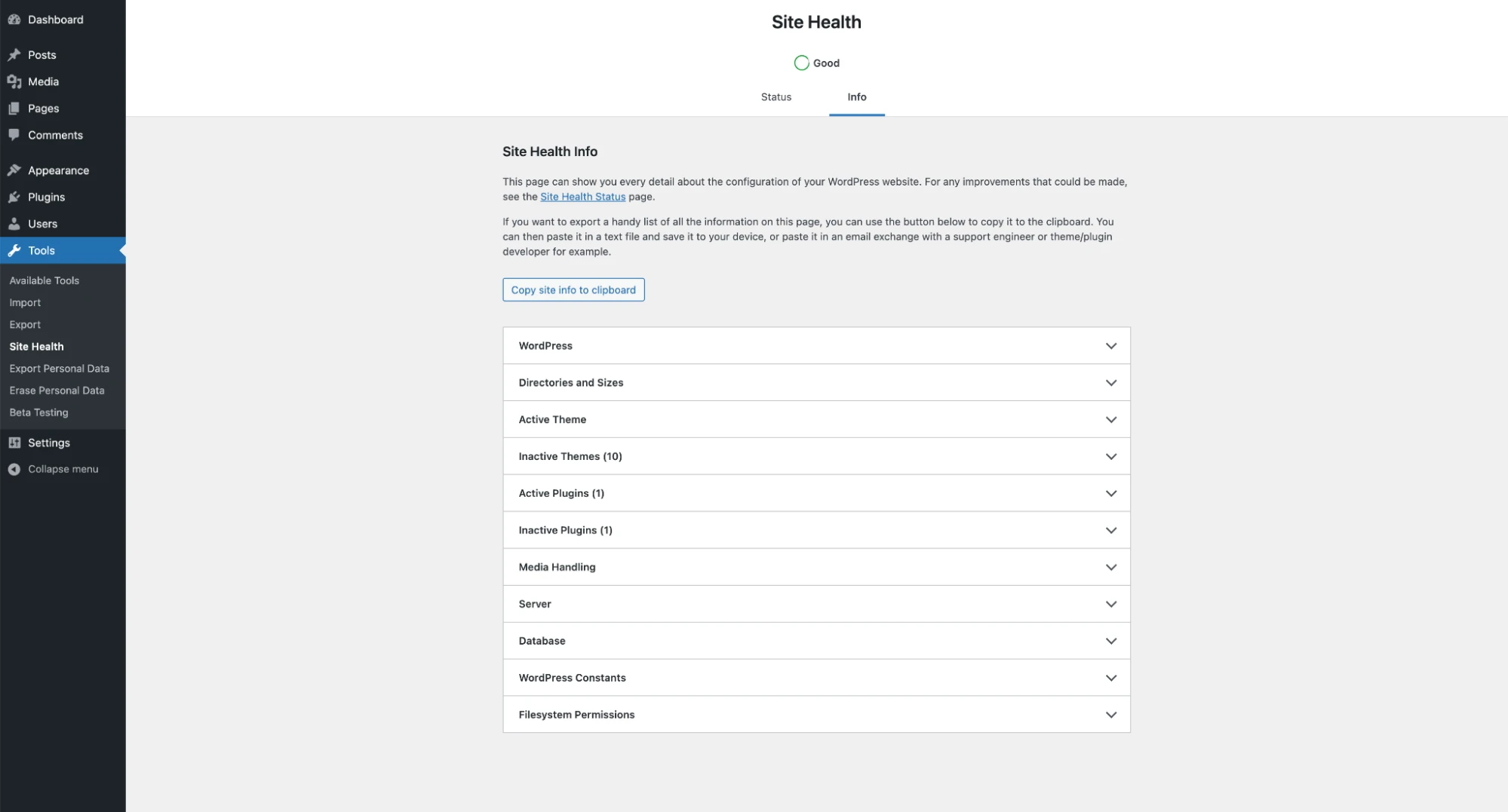
Site Health lists details about your WordPress site and server. These can help a freelancer understand your setup before checking why pages are slow. This screen alone does not measure page speed.
Screenshot: WordPress. Example screen; yours may look different.What to ask the freelancer to do
- Measure the slow pages
- Find problems with hosting, plugins, code or pictures
- Make the agreed fixes
- Retest speed and key features
- Explain what still limits speed
Questions to ask before hiring
- Which pages will you compare?
- Will saved page copies affect carts or logged-in users?
- Does this need help from my host or plugin provider?
Red flags
- Guarantees a score before seeing the site
- Adds several speed plugins without checking them together
- Turns off key features just to improve a score
Agree what the job includes
- Agree which pages and devices to test, including logged-in pages if needed.
- Ask which changes are to the theme, plugins or hosting, and whether paid tools are needed.
- Use a backup and test copy where possible. Check the key site features before publishing.
What to send the freelancer
- Share the page links, hosting plan, theme and main plugins.
- List forms, member accounts and store features that must keep working.
- Agree the test method and who can approve hosting or paid plugin changes.
How to check the work is done
- Before and after tests use the same pages in similar conditions.
- Forms, logins and checkout still work. Saved pages do not show one customer another person’s details.
- You get a list of changes, any extra costs and a way to restore the old setup.
What may cost extra
- A full redesign, hosting move or perfect speed score is not part of a small fix unless agreed.
- Security cleanup and paid licences need a separate agreement.
Sources checked 22 October 2026
Use this guide to agree the work and check the result.
Common questions
Will another caching plugin fix a slow WordPress site?
Not necessarily. First check what is slow and which tools already save page copies. Several overlapping plugins can make the setup harder to manage.
What should still work after a WordPress speed fix?
Check forms, search, logins and any store checkout you use. A faster page is not a good result if important features break or one visitor sees another customer’s details.
Find help on Fiverr
Ready to hand it over? This freelancer offers help with the job covered in this guide. Look at their work and send them your brief to get a quote.
Kreativo Pro
@kreativopro · FiverrSpeed up a WordPress website
Kreativo Pro offers WordPress speed work on images, code, the database and server settings, with a report after the changes. This is an option if you want someone to find and fix the main causes of slow pages.
Before you hire: Ask for before-and-after tests on the same pages, a backup and checks that forms and checkout still work. Agree realistic targets for your hosting and plugins.
View service on Fiverr ↗Listing checked 2026-10-23. We have not hired this freelancer or tested their work.
Build my freelancer brief
Answer a few questions to make a clear job description you can send to a freelancer.