WordPress & WooCommerce
Fix slow pages, plugin clashes and checkout problems on your WordPress or WooCommerce site.
Choose the help you need
Choose the problem closest to yours. Each guide explains what to check yourself, when to hire someone and what to ask them to do.
 WordPress
 WooCommerce
WordPress Hosting Move
Plan a WordPress hosting move, protect recent changes and test forms, images and logins before switching the live site.
Read the guideWordPressWooCommerceWordPress Theme & Layout Changes
Plan WordPress layout changes, find the right editor for your theme and protect forms, menus and mobile pages while you make them.
Read the guideWooCommerceWordPressWooCommerce Store Setup
Plan a new WooCommerce shop, choose the essentials and test a full order before customers arrive.
Read the guideWooCommerceWooCommerce Product Import
Prepare a WooCommerce product import, match spreadsheet columns correctly and avoid missing images or duplicate products.
Read the guideWooCommerceWooCommerce Subscription Setup
Plan recurring WooCommerce orders, check payment support and test what happens after the first purchase.
Read the guideWordPressWooCommerceWordPress Site Speed Specialist
Find out why your WordPress or WooCommerce site is slow and make it faster while keeping forms, accounts and checkout working.
Read the guideWordPressWooCommerceWordPress Plugin & Theme Repair Specialist
Did your WordPress site break after an update? Find out which plugin, theme or setting caused it and get the site working again.
Read the guideWooCommerceWooCommerce Checkout Repair Specialist
Is your cart or checkout stuck, showing errors or refusing orders? Find the cause and test a fix without putting real customers’ payments at risk.
Read the guide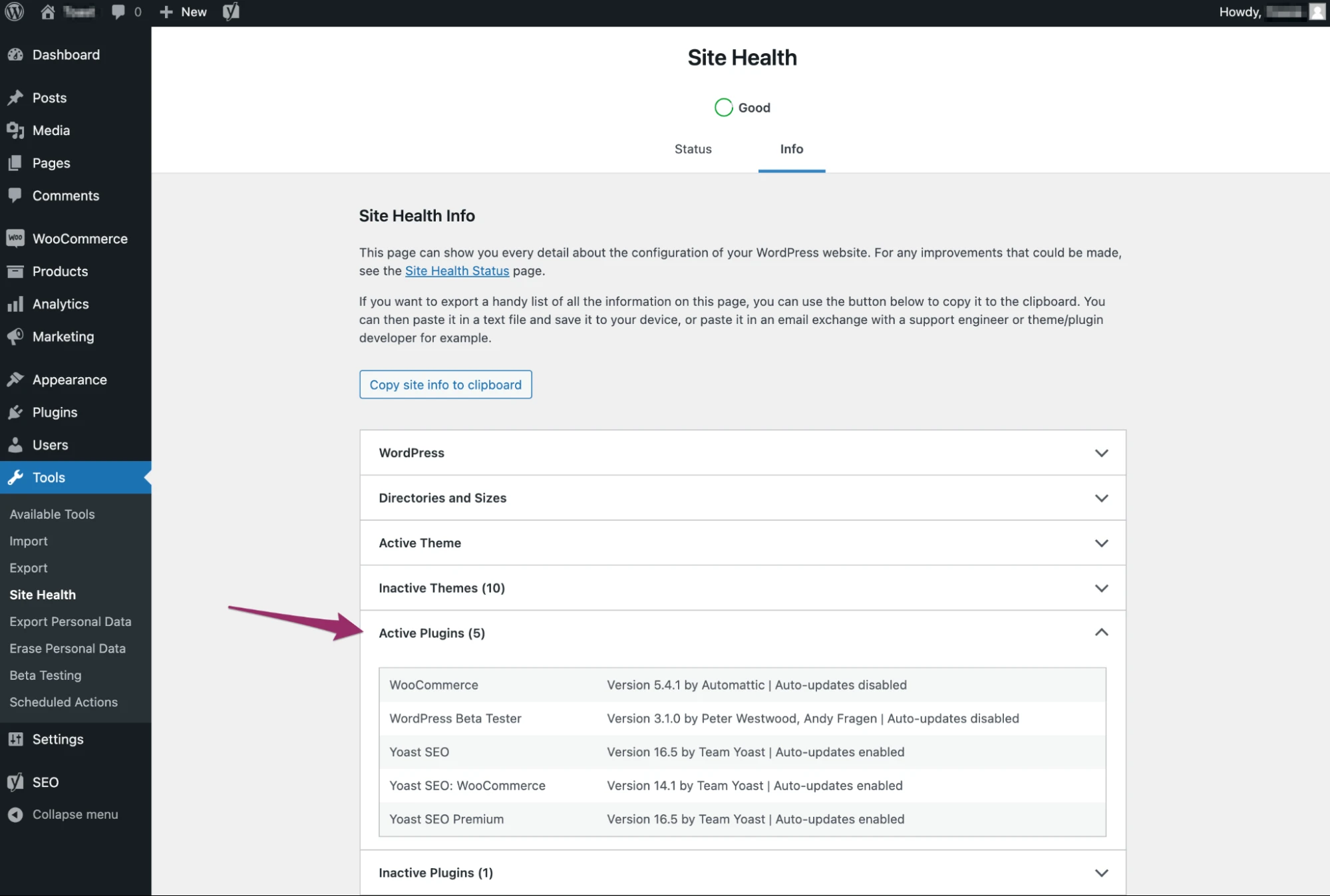
Keep a list of the plugins you use and note recent updates. That gives the developer a starting point for finding a clash. Test changes on a copy of the site where possible.
Screenshot: WordPress. Example screen; yours may look different.Before you hire
Explain what is going wrong and give an example. Agree what the freelancer will do, the price and how you will check the result. Our guides help you write that down.