 WordPress
 WooCommerce
WordPress Broken After an Update? What to Check
Did your WordPress site break after an update? Find out which plugin, theme or setting caused it and get the site working again.
A plugin adds a feature to WordPress; a theme controls how the site looks. They sometimes clash after an update, but the cause could also be hosting or other code. The useful first step is to repeat the fault and test one change at a time. Switching off everything on the live site can create more problems.
Things to check first
- Write down what broke and the steps that make it happen. Save the exact error message.
- Check which plugins or themes changed just before the problem started.
- Confirm you have a backup that can be restored. Use a separate test copy before turning plugins off where possible.
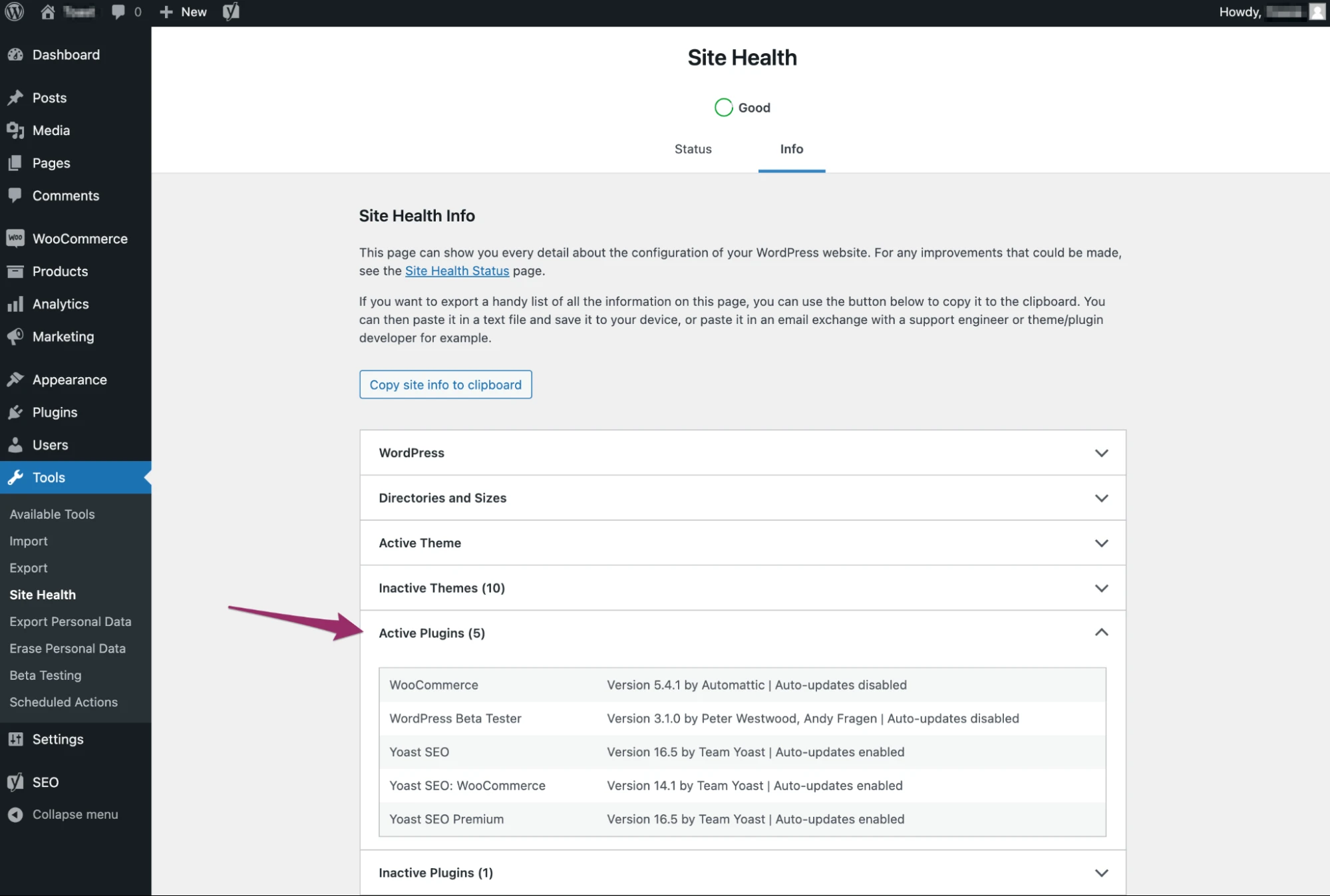
Keep a list of the plugins you use and note recent updates. That gives the developer a starting point for finding a clash. Test changes on a copy of the site where possible.
Screenshot: WordPress. Example screen; yours may look different.What to ask the freelancer to do
- Repeat the fault
- Check the backup and test copy
- Find the plugin, theme or other cause
- Make the agreed repair
- Retest and explain the fix
Questions to ask before hiring
- How will you find the cause?
- Can you test on a copy of the site?
- What if my host or plugin provider needs to fix something?
Red flags
- Turns off every live plugin without a plan
- Changes several things before recording what happened
- Promises the same quick fix for every error
Agree what the job includes
- Agree which fault is being fixed and where tests can safely run.
- Ask the developer to test one change at a time and explain what each check shows.
- If the fix needs a replacement plugin or help from your host, agree the cost and next steps first.
What to send the freelancer
- Send the affected page, error and the date it started.
- List recent updates and whether you can still open the admin area. Hide secret details in any logs.
- Agree who can approve a plugin replacement or a return to an older version.
How to check the work is done
- The steps that caused the fault now work and can be tested again.
- Forms, menus and other key features still work.
- Any temporary test settings are removed. You get a short note explaining what broke, what changed and how to undo the changes.
What may cost extra
- A new theme, new features or malware cleanup needs a separate quote.
- A plugin replacement may have its own licence cost.
Sources checked 22 October 2026
Use this guide to agree the work and check the result.
Common questions
Does a WordPress error after an update prove a plugin conflict?
No. A plugin, theme, hosting change or other code may be involved. Ask the developer to repeat the fault and test one change at a time.
Should I switch off every plugin on the live site?
Use a test copy where possible and save a backup first. Switching everything off on a live store can stop orders or enquiries. Agree the test plan before making changes.
Find help on Fiverr
Ready to hand it over? This freelancer offers help with the job covered in this guide. Look at their work and send them your brief to get a quote.
Muhammad Ali
@codefixings · FiverrWordPress errors and plugin repairs
This listing covers WordPress errors and sites that break after an update. Ask the developer to check your exact problem first.
Before you hire: Agree a backup, a safe test copy and the price for finding the cause. Ask how the repair will be checked.
View service on Fiverr ↗Listing checked 2026-10-20. We have not hired this freelancer or tested their work.
Build my freelancer brief
Answer a few questions to make a clear job description you can send to a freelancer.