 WordPress
 WooCommerce
How to Change Your WordPress Layout Without a Rebuild
Plan WordPress layout changes, find the right editor for your theme and protect forms, menus and mobile pages while you make them.
You may not need a new website to change a crowded header, widen a page or improve a mobile menu. First find out how the current layout was built. WordPress block themes use the Site Editor; classic themes may use the Customizer, and some sites use a page-builder plugin. A change to a shared template can affect many pages at once. Agree the pages and screen sizes you want to improve before anyone starts changing global styles.
Things to check first
- Find the active theme and any page-builder plugin. Take screenshots of the current pages and write down the exact change you want.
- Check whether the change applies to one page or a shared header, footer or template. Include a phone-size example in your brief.
- Back up the site and use a private test copy for larger changes. A preview is useful, but it does not replace checking a working form or menu.
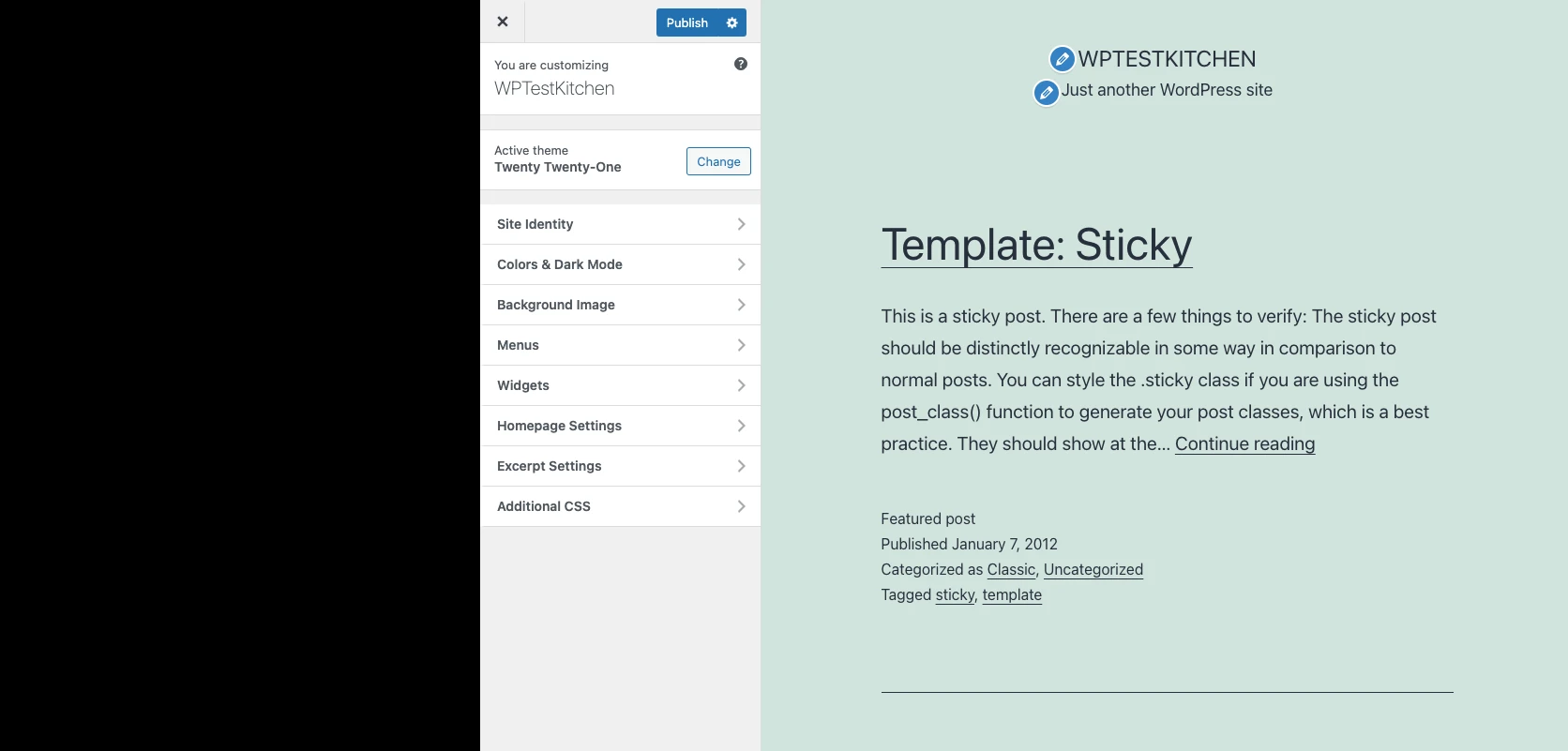
WordPress’s Twenty Twenty-One Customizer example. Classic themes may use these controls; block themes use the Site Editor. Check your own theme before choosing how to make a change.
Screenshot: WordPress. Example screen; yours may look different.What to ask the freelancer to do
- Identify the current theme and editor
- Change the agreed templates
- Check mobile menus and page content
- Test affected forms and links
Questions to ask before hiring
- Will this change one page or every page using a template?
- Can future theme updates overwrite the work?
- Will I need another paid plugin?
Red flags
- Edits the live site without a backup
- Installs a new builder for every small change
- Approves only one desktop screenshot
Agree what the job includes
- Name each layout and what should change. “Make it modern” is hard to price; “shorten the mobile header and keep the booking button visible” is much clearer.
- Ask the freelancer to work with the current theme where practical. If they recommend a new builder or theme, they should explain why and list the ongoing costs.
- Check content as well as appearance. A long page title, a product with several choices or a menu with extra items may expose problems that a short demo page hides.
What to send the freelancer
- Send annotated screenshots, your theme and builder names, and examples of the desired look. Confirm that you can use supplied images and fonts.
- List the forms, checkout, account pages and tracking that must keep working. Provide a private place to test changes.
- Agree who approves the desktop and mobile version, who publishes it and how future edits will be made.
How to check the work is done
- The named pages match the agreed layout on desktop and phone, with readable text and no sideways scrolling.
- Menus, links, forms and any affected checkout still work. Shared changes have been checked on more than one example page.
- You receive the edited templates or code, the backup location and simple instructions for making future content changes.
What may cost extra
- A full rebrand, new copy and moving to another page builder need separate prices.
- A theme change does not by itself fix hosting speed, malware or broken external apps.
Sources checked 23 October 2026
Use this guide to agree the work and check the result.
Common questions
Why can I not see Appearance > Editor?
The Site Editor is for block themes. Your site may use a classic theme, a builder or an account role with different access. Identify the setup before replacing anything.
Will changing the header affect the whole site?
It can if the header is shared across templates. Ask which pages use it and check a few different page types before publishing the change.
Find help on Fiverr
Ready to hand it over? This freelancer offers help with the job covered in this guide. Look at their work and send them your brief to get a quote.
Sazzad Salim
@sazzad362 · FiverrWordPress theme setup and changes
Sazzad offers WordPress theme setup and changes, including work with themes such as Divi, Genesis and Avada. Send the design you have in mind and the pages you want changed so he can quote for the right package.
Before you hire: Name your theme and page builder. Confirm whether the quote includes custom changes or just loading a demo, and ask for phone and form checks.
View service on Fiverr ↗Listing checked 2026-10-23. We have not hired this freelancer or tested their work.
Build my freelancer brief
Answer a few questions to make a clear job description you can send to a freelancer.